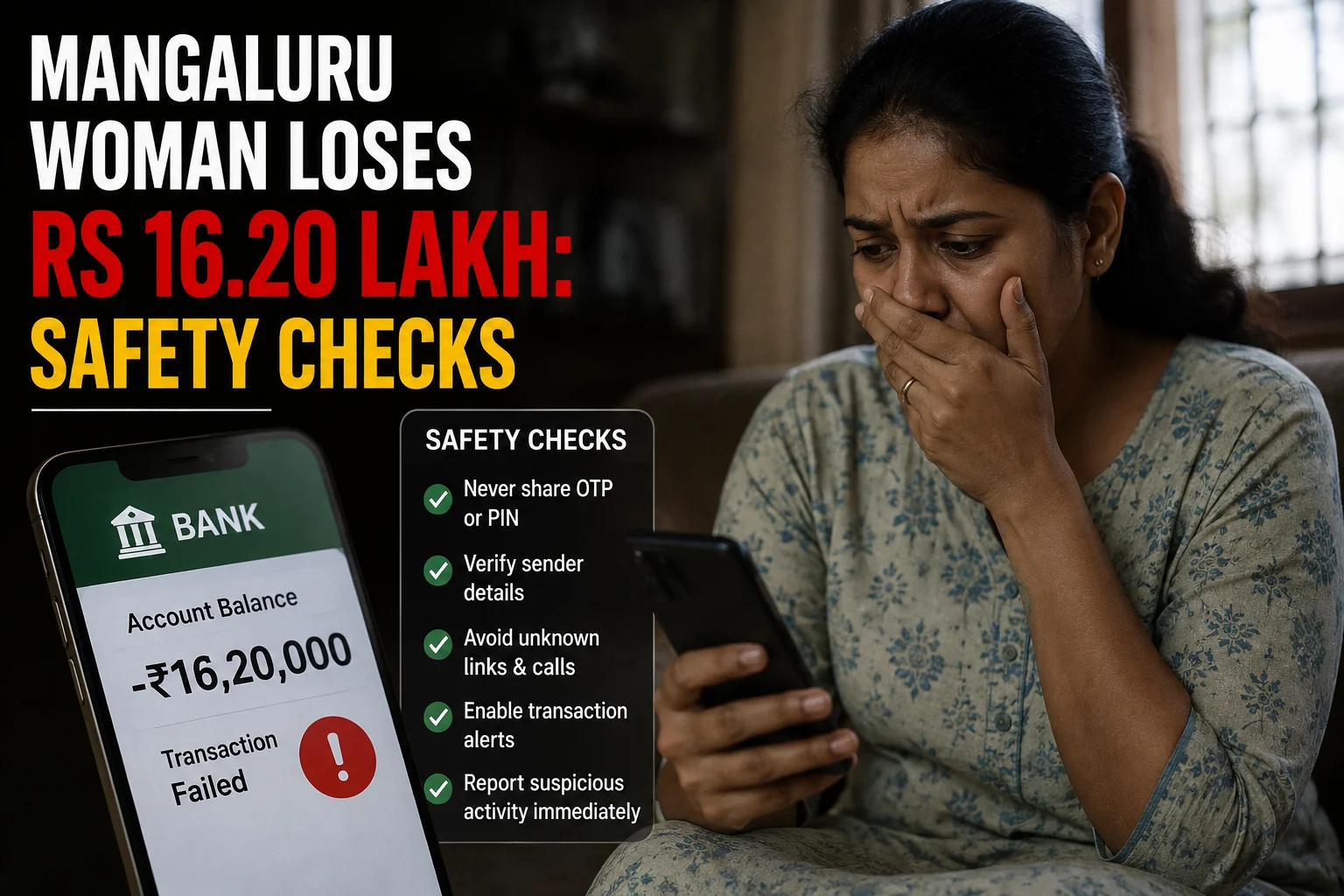
An elderly woman in Mangaluru has reportedly lost ₹16.20 lakh in an investment scam that began with a Facebook advertisement. According to her complaint at the Mangaluru Cyber Economic and Narcotics (CEN) police station, she clicked an investment-related link in April and was added to a Telegram group, where assurances from the group convinced her to start transferring money.
Her first payment was a modest ₹20,372 on April 18. Over the following months the amounts grew sharply: ₹3 lakh on June 12, another ₹3 lakh on June 22, ₹4 lakh on June 24, and ₹6 lakh on June 30 — bringing her total loss to ₹16.2 lakh. When she asked the group to return her money and got no response, she realised she had been deceived and filed a complaint. Police have registered the case, and an investigation is underway.
Investment scams can be persuasive because they are presented as financial opportunities rather than obvious threats. A professional-looking message, website or account should not be treated as proof that an offer is genuine.
What is known about the reported Mangaluru case?
The core details above — the Facebook-to-Telegram route, the escalating payment pattern, and the ₹16.2 lakh total — come from her police complaint and are consistent across news reports. What isn’t yet public is who ran the scheme, whether the accounts used to receive the money have been traced, or whether any of it has been recovered — that depends on how the CEN police investigation proceeds.
That distinction matters less than the pattern itself, which is the real lesson here: a small first payment (₹20,372) followed by steadily larger ones over two months is a classic trust-building sequence. Every unsolicited or unusual investment proposal needs independent checking before money or personal information is shared — regardless of how small the first ask seems.
Why investment approaches deserve careful checking
Cloudflare identifies phishing among common cyberattack methods and provides guidance on detecting and preventing such attacks. Phishing generally depends on deception: a message or online page is made to appear trustworthy so that the recipient takes an action.
In an investment setting, the requested action may involve opening a link, sharing information, creating an account or making a payment. The important safety principle is the same: do not rely only on what appears inside the message or page.
A polished design is not evidence of legitimacy. Nor are confident claims, charts, account dashboards or screenshots supplied by the person promoting an opportunity. Treat these as material to be checked, not as independent confirmation.
Warning signs that justify a pause
- Unexpected contact: A person you do not know approaches you with an investment proposal.
- Pressure to act: You are told that the opportunity, price or withdrawal window will disappear quickly.
- Unclear identity: It is difficult to confirm who operates the service or who will receive the money.
- Link-based instructions: You are directed to a website through a message instead of reaching the organisation through a channel you found independently.
- Requests for more money: Additional payments are demanded before an investment, profit or balance can supposedly be released.
- Secrecy: You are discouraged from discussing the offer with family members or another trusted person.
One sign alone does not prove fraud. Several signs together, however, are a strong reason to stop and investigate before proceeding.
Checks to make before sending investment money
- Step away from the conversation. Do not let the sender control the pace. End the call or pause the chat so you can assess the proposal without pressure.
- Write down the exact claim. Record the organisation’s stated name, the product being offered, the amount requested and what you have been promised. Vague explanations are difficult to verify.
- Find contact details independently. Do not use only a phone number, email address or link supplied by the person making the offer. Look for a separate, trusted route to the organisation they claim to represent.
- Inspect the web address. Look for misspellings, added words and unfamiliar domains. You can place a suspicious address into ScamDekho’s URL Checker as an additional screening step. A favourable automated result is not a guarantee that an investment is genuine.
- Review the message itself. Check for urgency, inconsistent names, unusual payment instructions and demands for secrecy. ScamDekho’s Scam Message Checker can help you examine suspicious wording, but it should not replace independent verification.
- Ask a trusted person to review it. A family member or financially experienced person may notice inconsistencies that are easy to miss during a persuasive conversation.
- Do not send money just to test a platform. A small initial payment can still expose personal or payment information and may lead to pressure for larger transfers.
These checks are useful even when the amount requested seems small. The purpose is to verify the recipient and the offer before any financial commitment is made.
How families can help elderly relatives
Consumer safety works better when it is supportive rather than judgmental. Scams are designed to create trust, urgency or fear. Blaming a person after a loss may make them less willing to disclose further contact or payment requests.
Families can agree on a simple routine for unexpected financial proposals:
- Pause all payments until another trusted person has reviewed the offer.
- Keep bank, payment and login information private.
- Use contact details found independently instead of numbers supplied in messages.
- Discuss unusual investment calls or chats without embarrassment.
- Save suspicious messages and transaction records rather than deleting them immediately.
It can also help to identify one or two trusted contacts in advance. An elderly relative then knows whom to call when an online offer feels urgent or confusing.
What to do after a suspected loss
If money may have been sent to a scammer, stop further payments. Do not send another amount merely because someone claims it is needed to unlock a withdrawal, refund or account balance.
Preserve the information already available. This may include messages, email addresses, phone numbers, web addresses, payment confirmations and transaction details. Keeping the original records can help explain what happened when the incident is reported.
Contact the relevant bank or payment provider promptly through an official channel and describe the transaction accurately. Do not rely on contact information supplied by the suspected scammer.
The Government of India’s National Cyber Crime Reporting Portal is the official online channel for reporting cybercrime. A report should clearly distinguish what you personally observed from what the other party claimed. Avoid guessing about the offender’s identity or location.
Be cautious if another person later offers to recover the money in exchange for an advance payment or sensitive information. Verify any such approach independently before responding.
Key lesson from the reported case
This case is a reminder of how gradual these scams can be — it took over two months and five separate payments before the loss reached ₹16.2 lakh. Financial decisions should not be made inside a Telegram or WhatsApp group built specifically to create urgency. Stop, verify the identity of the person or business independently, inspect links carefully, and discuss the proposal with someone you trust before sending anything — including the first payment.
If a suspicious interaction has already led to a payment, preserving evidence and reporting the incident through official channels are practical next steps. Acting calmly is more useful than continuing to negotiate with the person requesting money.
Frequently asked questions
Was the Mangaluru loss independently verified by ScamDekho?
No. This draft is based on the supplied topic referring to a Deccan Herald report. The detailed facts and investigation status were not available in the provided sources.
Does a professional investment website prove that an offer is genuine?
No. Design, charts, screenshots and account balances displayed online should not be treated as independent proof. Verify the operator and offer through channels you find separately.
What should I do if an investment promoter is rushing me?
Pause the conversation and do not pay. Write down the claims, verify the identity independently and ask a trusted person to review the proposal.
Where can cybercrime be reported in India?
The Government of India’s National Cyber Crime Reporting Portal is the official online reporting channel. Keep relevant messages, web addresses and transaction records available when making a report.
Should I pay a fee to release a supposed investment balance?
Do not send more money solely because an unverified person says a fee is required. Stop and independently verify both the recipient and the underlying investment claim.