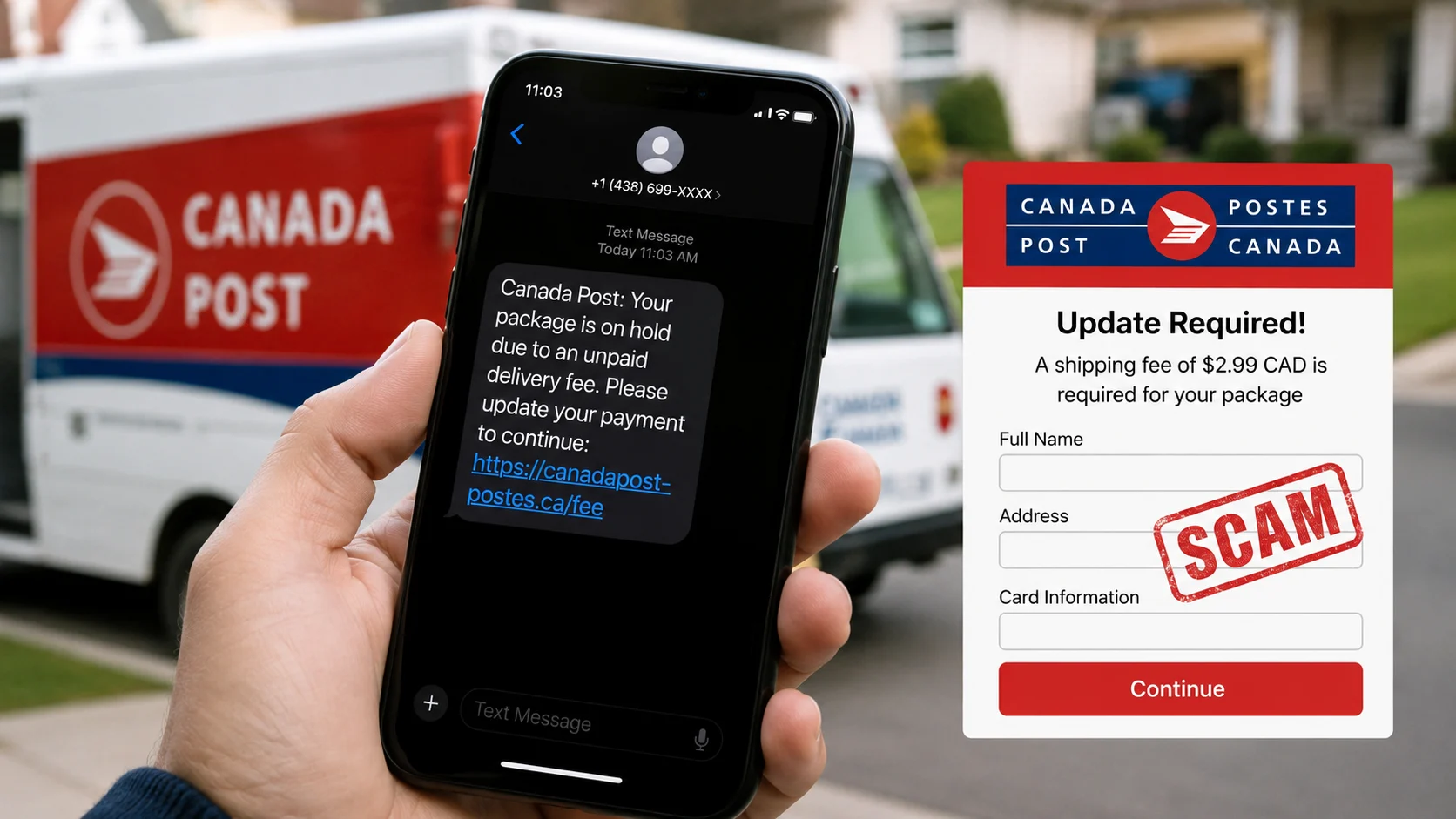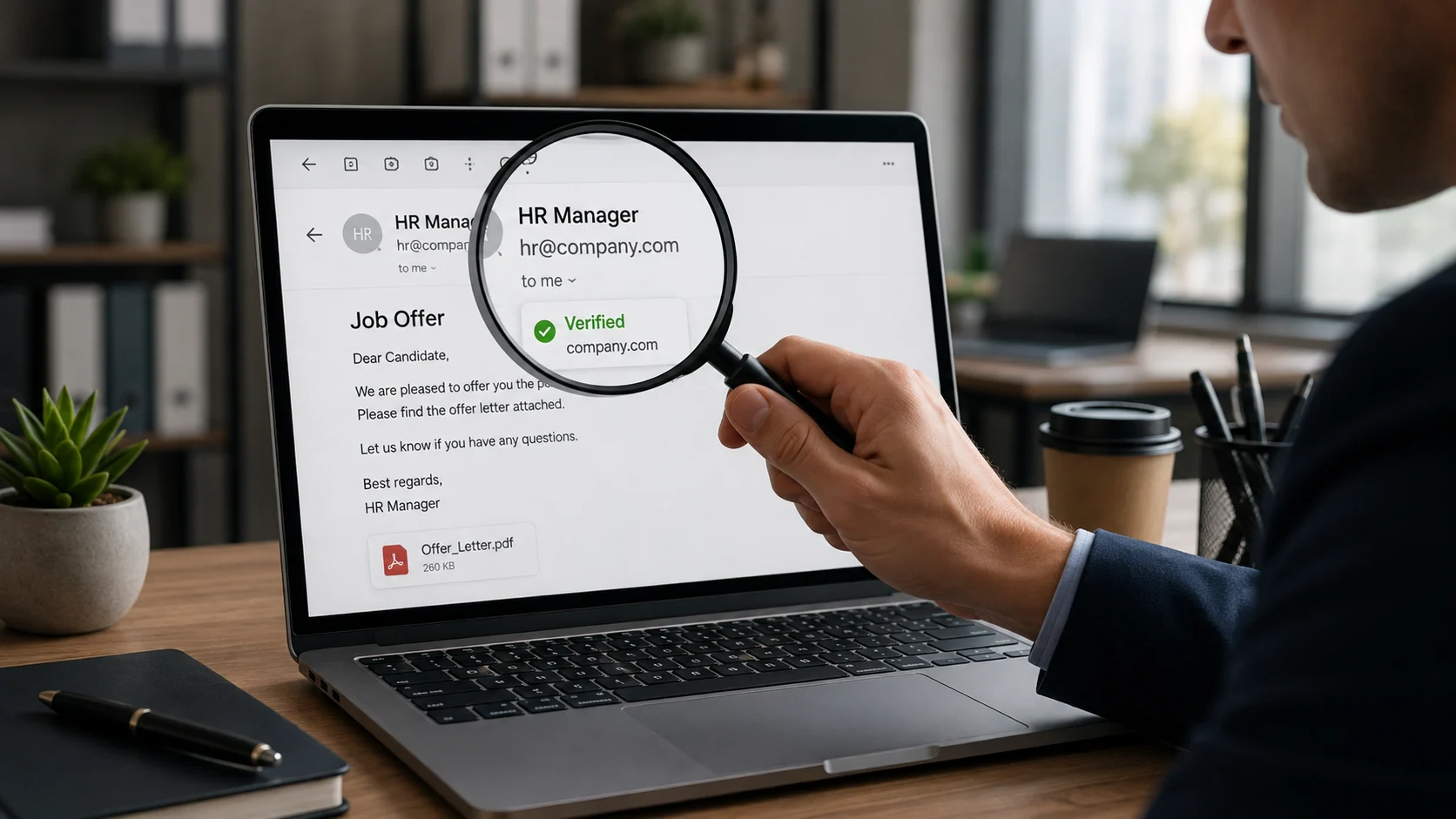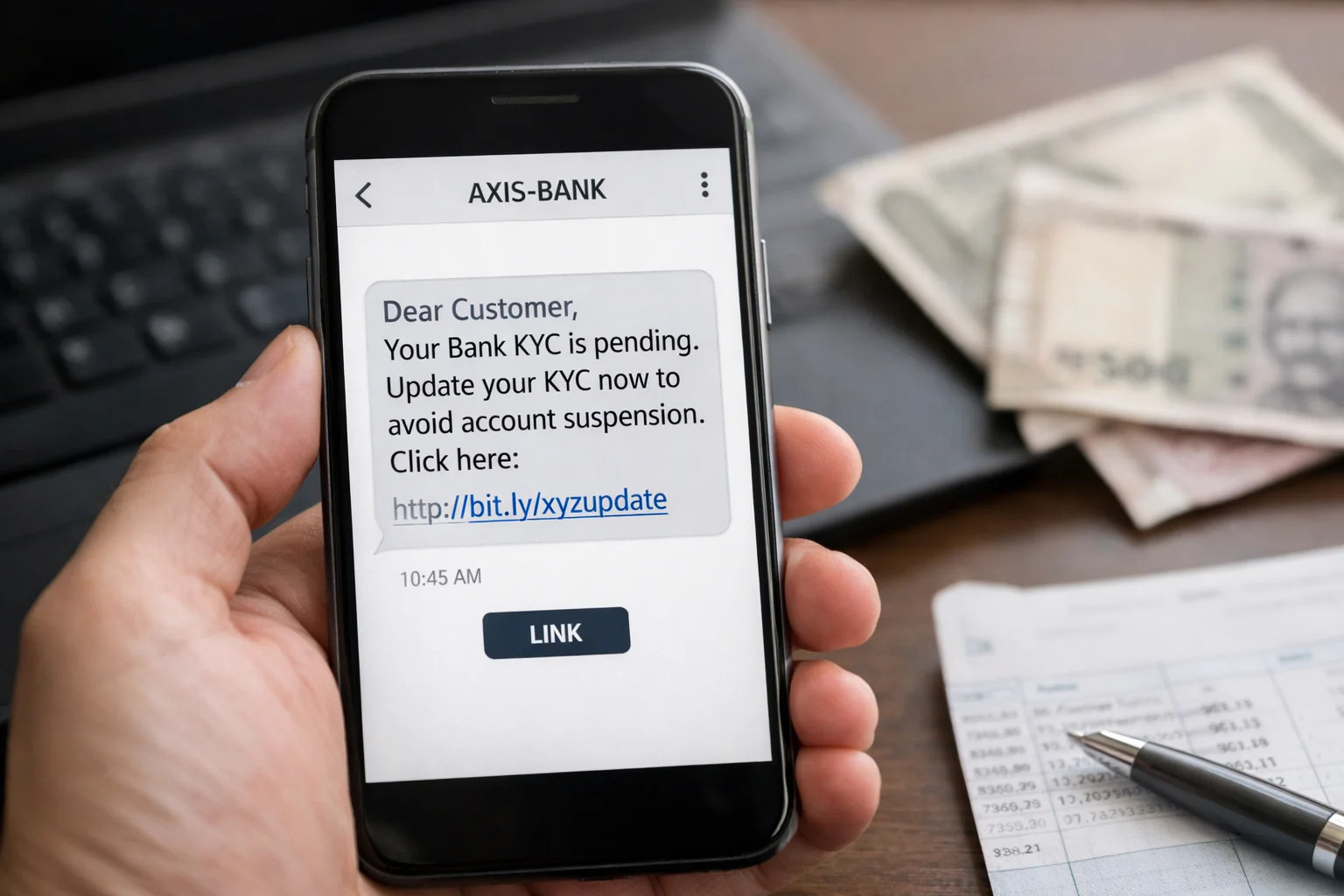
Your phone buzzes. A message from what looks like your bank:
“Dear Customer, your KYC is expired. Your account will be blocked within 24 hours. Click here to update now: bit.ly/kycupdate”
You panic. Your salary gets credited to that account. Your EMIs are linked to it. You cannot afford to have it blocked.
So you click.
And within minutes, your life savings are gone.
This is the KYC scam — and it is one of the biggest categories of cyber fraud in India, with 22.68 lakh cybercrimes reported in 2024 alone.
What Is a KYC Scam?
KYC stands for Know Your Customer. It is a real process that banks and financial apps use to verify your identity. Your Aadhaar, PAN, address proof — all of this is part of KYC.
In a KYC scam, fraudsters pose as bank representatives or financial institution officials. They contact you with fake urgency — claiming your KYC has expired and your account will be suspended — to trick you into sharing sensitive personal and financial information. Facebook
The scam works because it uses a real process that every Indian bank customer is familiar with. When you hear “KYC update,” you do not immediately think “scam.” You think “I need to do this.”
That split second of trust is all the fraudster needs.
How Big Is This Problem? Real Numbers
According to the Indian Cyber Crime Coordination Centre (I4C), cyber fraud losses in India are projected to reach ₹1.2 lakh crore in 2025.
KYC scams are specifically highlighted in the 2025 Digital Banking Fraud Trends report as one of the fastest-growing fraud categories — enabled by India’s rapid push toward digital financial services.
Real Cases From Across India
These are actual incidents reported by police and news outlets:
1. Delhi — 8,000+ Victims, One Gang
Delhi Police’s Intelligence Fusion and Strategic Operations unit busted a pan-India gang that looted over 8,000 victims across India. The gang sent bulk SMS messages claiming to be from SBI, asking people to update their KYC. They used a fake version of SBI’s YONO app to steal net banking credentials and transferred money to fake accounts. 23 people were arrested.
2. Delhi — ₹8 Lakh Lost by One Victim
A Delhi resident lost ₹8 lakh in a fake KYC scam where fraudsters posed as bank officials and convinced the victim to share sensitive financial details.
3. Mumbai — ₹2 Lakh Stolen from 73-Year-Old Woman
A 73-year-old woman in central Mumbai was duped of ₹2 lakh by cyber fraudsters who called her on the pretext of updating her bank KYC details.
4. Mumbai — Actress Shweta Menon Among Victims
Around 40 customers of a private bank in Mumbai — including actress Shweta Menon — lost money after receiving fake SMS messages asking them to update their KYC or PAN details. Shweta lost ₹57,636 after clicking the link and entering her bank credentials and OTP.
Check: What Is a Digital Arrest Scam And How to Protect Yourself
4 Types of KYC Scams You Must Know
Fraudsters do not rely on just one method. Over time, they have developed several variations of the fake KYC scam — each one designed to exploit a different situation and a different type of victim. Here are the most common ones you need to know about.
Type 1: Fake SMS With a Phishing Link
This is the most widespread variation. You receive an SMS or WhatsApp message warning you that your KYC is incomplete and your account will be suspended if you do not update it immediately. The message includes a link that looks legitimate at first glance.
But the link leads to a fake website — a near-perfect copy of your bank’s official portal. Once there, you are asked to enter your username, password, and OTP. The moment you do, the fraudster uses those credentials to log into your real account and transfer money out before you even realize what has happened.
Type 2: The Fake Call and Remote Access Trap
This is one of the most dangerous variations — and one of the hardest to recover from.
A fraudster calls you, sounding professional and convincing, claiming to be from Paytm, SBI, or your bank’s customer support team. They tell you there is an urgent KYC issue with your account and ask you to download a remote access app like AnyDesk, TeamViewer, or QuickSupport to resolve it.
Once you install the app and share the access code, the fraudster gains complete control of your phone. They can see your screen in real time — your OTPs, banking apps, saved passwords, and messages. Everything. From that point, draining your account takes only a few minutes.
Type 3: Fake KYC App Sent as an APK File
In this variation, the scammer sends you an APK file over WhatsApp or SMS, presenting it as an official app from your bank or payment platform. The file name and icon are designed to look legitimate.
Once you install it, the fake app immediately requests permissions to access your SMS, contacts, calls, and banking apps. With those permissions granted, the fraudster has everything they need to monitor your activity and take over your accounts silently — without you noticing until the damage is done.
It is worth noting that SBI has officially stated that it never asks customers to download any application from unofficial sources. If you receive such a request, it is a scam without exception.
Type 4: Smishing — When SMS and a Phone Call Work Together
Smishing takes a slightly different approach. You receive an SMS asking you to call a specific number to complete your KYC update. The message feels urgent and official, so you call.
On the other end is a scammer posing as a bank representative — calm, polite, and knowledgeable enough to sound credible. Through the conversation, they gradually manipulate you into sharing your Aadhaar details, OTP, account passwords, and other sensitive information. By the time the call ends, they have everything they need.
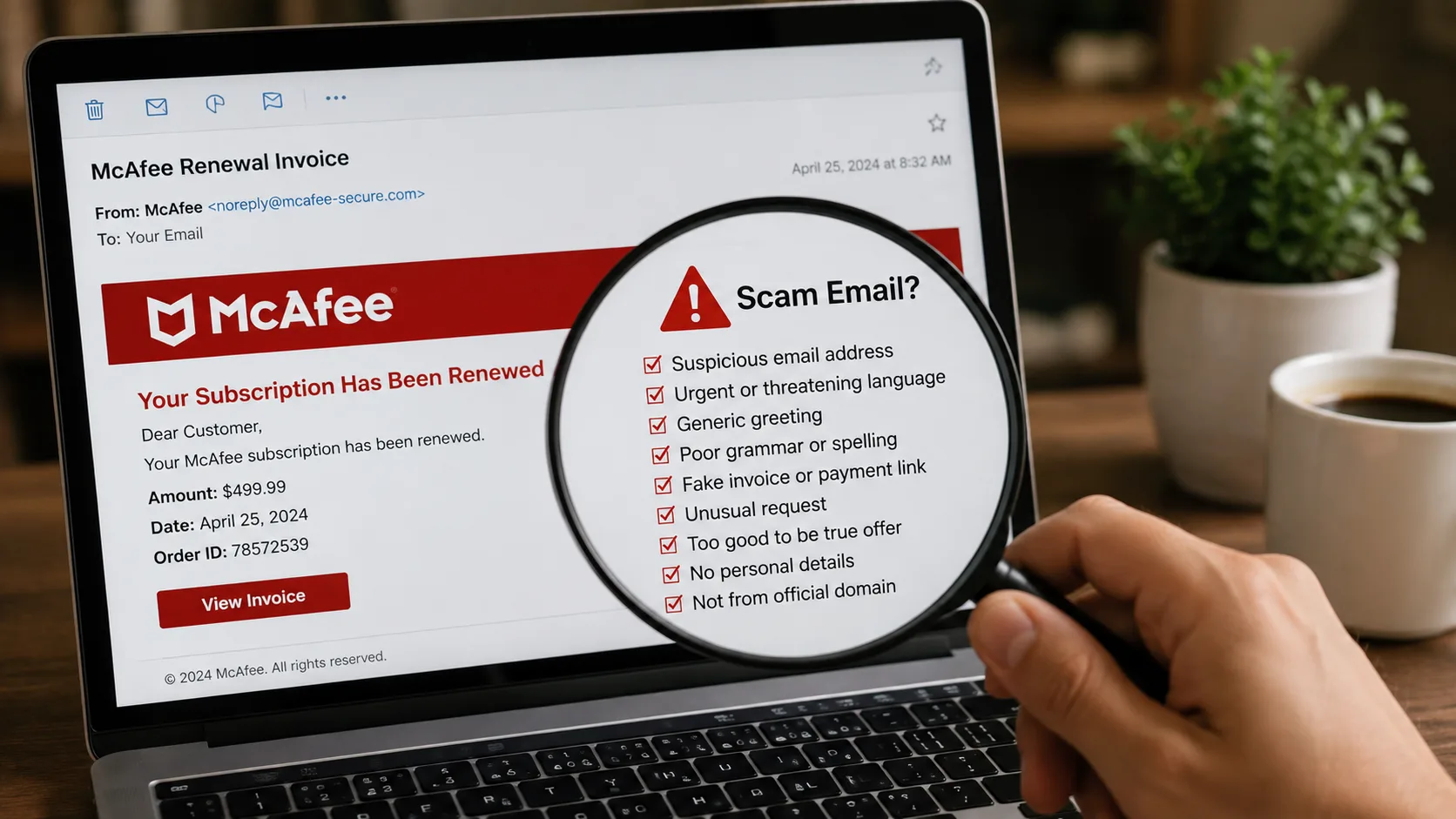
8 Warning Signs of a Fake KYC Message
Before you do anything with a KYC message, check for these red flags:
1. It creates urgency or threatens account block Real bank messages never use threatening language or harsh deadlines like “your account will be blocked today.” If the message panics you into acting fast, it is almost certainly fake.
2. It Comes From a Random Number Official bank messages always arrive from registered sender IDs — not from a random 10-digit mobile number. Scammers sometimes manage to display a bank’s name as the sender, but look carefully at the actual number or ID. If it looks like a regular phone number, it almost certainly is not from your bank.
3. The Link Looks Almost Right — But Not Quite
Fake websites are built to look identical to the real thing. The only giveaway is usually the URL. Scammers register domains like sbi-kyc-update.com or paytm-verify.net — close enough to look real at a glance, but wrong on closer inspection. Before entering any details on a website, check the address bar carefully. One extra word, one hyphen, one different letter — and it is fake.
4. It asks for OTP, PIN, or CVV
There is no situation – none – where a real bank will ask for your OTP, ATM PIN, or card CVV. Not on a website, not over a call, not through SMS. This is a hard rule across every bank and payment platform in India. The moment someone asks for this information, stop and disconnect.
5. It asks you to download an app from a link
Banks publish their apps on the Google Play Store and Apple App Store. That is it. If someone sends you an APK file over WhatsApp or SMS and asks you to install it, delete it immediately. It does not matter how official it looks.
6. It asks you to install AnyDesk or TeamViewer
This is a major red flag. No bank will ever ask you to install a remote access app. If a caller — however polite or convincing they sound — asks you to install AnyDesk, TeamViewer, or QuickSupport and share a code with them, they are trying to take over your phone. Put the phone down.
7. The message is generic — no account number or your name Real bank communications almost always include your name or partial account number for personalization. Generic messages like “Dear Customer” are a red flag.
8. The link uses a URL shortener Legitimate banks never use bit.ly, tinyurl, or similar shortened URLs in official messages.
Real vs Fake KYC Message — Quick Comparison
| Feature | Real KYC Communication | Fake KYC Scam |
|---|---|---|
| Sender | Official bank ID | Random number or spoofed ID |
| Tone | Neutral, informational | Urgent, threatening |
| Link | Official bank website only | Shortened or lookalike URL |
| Asks for OTP/PIN | Never | Always |
| Asks to download APK | Never | Via WhatsApp or SMS |
| Asks for AnyDesk/TeamViewer | Never | Always |
| Has your name | Usually yes | Usually “Dear Customer” |
Banks That Scammers Commonly Impersonate
Scammers target customers of the most popular banks and apps. Be extra careful if you receive KYC messages claiming to be from:
SBI, HDFC, ICICI, Axis Bank, and payment apps like Paytm are the most commonly impersonated institutions in fake KYC scams.
If in doubt — call your bank directly using the number on the back of your card or on the official bank website. Never use a number given in any SMS.
How to Update Your Real KYC Safely
If you actually need to update your KYC, here is how to do it the right way:
- Visit your bank branch in person This is the safest option. Carry your Aadhaar and PAN and get it done directly.
- Use your bank’s official app Open the app you downloaded from Google Play or App Store — not any link sent by SMS.
- Log in to your bank’s official website Type the URL yourself in the browser. Do not click any link from any message.
How to Check If a KYC Message or Link Is Real or Fake
Getting a KYC message and not sure if it is real? Do not guess. Follow these steps before you click anything.
Step 1: Copy the Link From the Message
Do not click it. Just press and hold the link in the SMS or WhatsApp message and copy it.
Step 2 : Open ScamDekho URL Checker
Go to: scamdekho.in
Scroll down to the URL Checker tool on the homepage.
Step 3: Paste the Link and Scan
Paste the copied link into the URL checker box and hit Check.
ScamDekho will instantly analyse the link for:
- Domain age — fake sites are usually less than 30 days old
- SSL certificate — whether the site is genuinely secure
- Google Safe Browsing — whether it is already flagged as dangerous
- Phishing database match — checked against known scam databases
- Redirect behaviour — whether the link hides its real destination
- Hosting reputation — whether the server is linked to fraud activity
Step 4 — Read the Result
ScamDekho will show you one of three results:
| Result | What It Means |
|---|---|
| SAFE | Link appears genuine — still verify with your bank directly |
| SCAM | Confirmed scam link — delete the message immediately |
Step 5 — When in Doubt, Call Your Bank Directly
Even if ScamDekho shows Safe — if the message is asking for OTP, PIN, or CVV — it is a scam. Call your bank on the number printed on the back of your debit or credit card.
ScamDekho is completely free. No login needed. No app download needed. Just paste the link and get your answer in seconds.
If You Already Fell for a KYC Scam — Do This Right Now
Every minute counts. Take these steps immediately:
- Call your bank’s 24×7 helpline and block your card and freeze your account
- Change your net banking password and UPI PIN from a different device if possible
- Uninstall any app you downloaded from that link
- Call 1930 — National Cyber Crime Helpline — and report the fraud immediately
- File a complaint at cybercrime.gov.in
- Factory reset your phone if you installed an APK or gave AnyDesk access
The faster you act, the better the chances of your money being recovered.
Why Do Educated People Fall for This Scam?
This is an important question. The victims of KYC scams are not uneducated or careless people. They are regular professionals, homemakers, and senior citizens.
Scammers know exactly how to trick and manipulate people. They exploit urgency, authority, and fear — three things that short-circuit logical thinking even in intelligent people.
When you believe your bank account is about to be blocked, you stop thinking clearly. You act fast. That is exactly what the fraudster designs the message to do.
Conclusion
The KYC scam is one of the most widespread and convincing cyber frauds targeting Indian bank customers today. It has taken ₹2 lakh from a 73-year-old woman in Mumbai, ₹8 lakh from a Delhi resident, and looted 8,000+ victims through a single organized gang.
The most important thing to remember is this: Your bank will never send you a link to update your KYC. It will never ask for your OTP, PIN, or CVV. And it will never ask you to download an app from an SMS.
If you receive any such message, ignore it. If you are unsure about a link, scan it on ScamDekho before clicking anything.
Stay safe — and share this article with your family, especially with anyone who uses mobile banking.