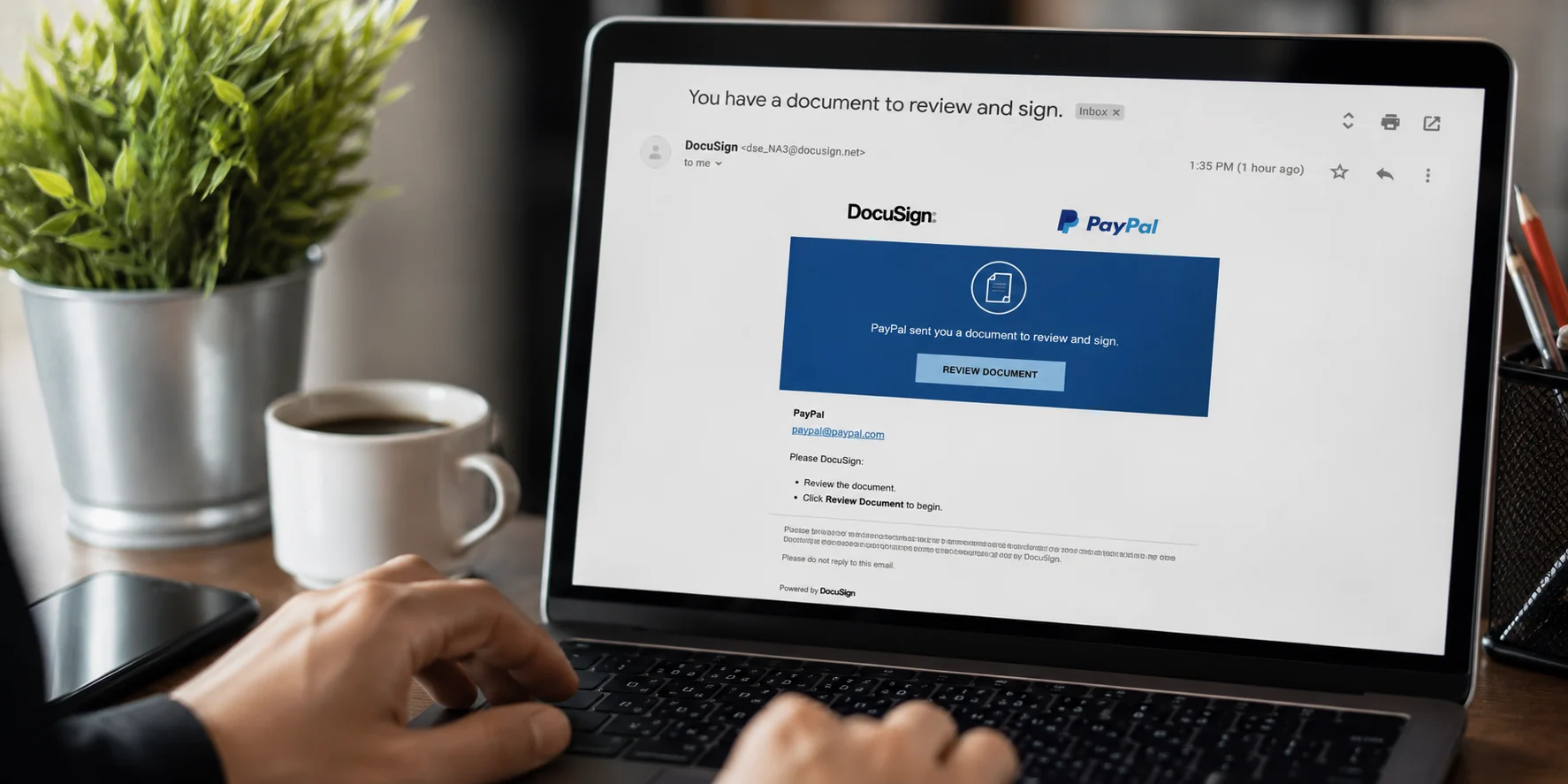
You open your inbox and see an email from DocuSign. It looks completely normal. The DocuSign logo is right there, the formatting is clean, and it says PayPal needs you to review a document about an unauthorized transaction on your account. Your stomach drops a little. $755 charged to Coinbase? You never made that purchase.
So you click.
And that is exactly what the scammers want.
The PayPal DocuSign phishing scam is one of the most convincing fraud techniques circulating in 2025, and it has already fooled thousands of people including business owners, finance teams, and everyday PayPal users. What makes it so dangerous is simple: the email is not fake. It actually comes from DocuSign’s real servers.
Let’s break down how this works, what to look for, and how to protect yourself.
What Exactly Is the PayPal DocuSign Phishing Scam?
Most phishing emails are easy to spot if you know what to look for. Misspelled words, weird sender addresses, links to strange domains. But this scam is built differently.
Here is what cybercriminals actually do. They sign up for a real DocuSign account. Then they use DocuSign’s own API and templates to create a document that looks like a PayPal invoice. Inside that document, there is a fake transaction alert, usually for a few hundred dollars, along with a phone number or link for “dispute resolution.” They then send this through DocuSign’s actual email system to thousands of targets.
Because the email originates from DocuSign’s legitimate infrastructure, it bypasses spam filters that would normally catch phishing attempts. Your inbox receives it as a trusted message. DocuSign itself has confirmed this, noting an increase in sophisticated phishing scams that use the platform in combination with communication outside their system, with fake PayPal invoices being a common tactic.
This is not your typical email scam. It weaponizes two brands that people genuinely trust.
How the Scam Actually Plays Out
Understanding the full sequence helps you recognize it faster. Here is how the PayPal DocuSign email scam typically works from start to finish.
Step 1: You receive the email
The subject line is usually something like “Action Required: PayPal Payment Authorization” or “Unauthorized Transaction Detected on Your Account.” Sometimes the attacker’s DocuSign account name is set to “PayPal Billing” or “PayPal Accounting,” and the email body uses the standard DocuSign notification template. Nothing looks off because nothing is technically off. It is a real DocuSign email.
Step 2: You open the document
Inside the DocuSign interface, you see what looks like a PayPal invoice. It has the PayPal logo, a fake transaction ID, an alarming dollar amount, and either a phone number or a link to contact “PayPal’s Fraud Prevention Team.”
Step 3: You take the bait
If you call the phone number, a live operator walks you through “verifying” your identity, which really means handing over your PayPal login, banking details, or even granting remote access to your device. If you click a link instead, you land on a fake webpage designed to steal your credentials, or worse, silently download malware onto your computer.
6 Red Flags in a PayPal DocuSign Email
Even though these emails are genuinely hard to spot, there are clear warning signs once you know where to look.
1. You did not initiate anything
This is the most important signal. PayPal does not randomly send you a DocuSign document out of nowhere. You will generally only receive a legitimate DocuSign email after coming to a prior agreement with the sender. If you did not buy anything, request anything, or sign up for anything, treat that email with serious suspicion.
2. PayPal does not use DocuSign for transaction alerts
This is a fact most people simply do not know. PayPal has its own transaction notification system and would not use DocuSign. There is also no mention of actually signing a document in these scam emails, which is what DocuSign is genuinely used for. A real payment alert from PayPal arrives directly from PayPal, not through a third-party document signing platform.
3. The sender address does not add up
Look closely at the “From” and “Reply-To” fields. A common sign of a PayPal DocuSign scam is that the customer care email inside the document ends with gmail.com, not paypal.com. No legitimate PayPal team uses a Gmail address.
4. Your name and account details are missing
Legitimate emails from a company you do business with will include your name and the last four digits of your account. If the email greets you with “Dear Customer” or a generic phrase, that is a red flag worth pausing on.
5. There is a phone number inside the document itself
Real PayPal transaction alerts do not include random customer service phone numbers inside DocuSign documents. Scammers include that number because they want you to call, so they can socially engineer you into giving up your information directly.
6. No actual signature is required
DocuSign exists for one core purpose: getting documents signed. If the document you are being asked to “review” has no actual signature requirement and is just an invoice or alert, someone is using DocuSign purely as a delivery vehicle to make the email look real.
The Quick Verification Test
Got an email from DocuSign mentioning PayPal and not sure if it is real? Do not click anything inside the email. Here is a simple way to check.
Go directly to DocuSign.com, click “Access Documents” in the upper right corner, and enter the security code shown in the email. If you get an error message, that means the document was removed or never existed at all. That is confirmation it is a scam.
At the same time, open a new browser tab and log into your PayPal account directly at paypal.com by typing it yourself. If there was genuinely a suspicious transaction or any account issue, it will be visible inside your PayPal dashboard. You do not need a DocuSign email to tell you about your own PayPal activity.
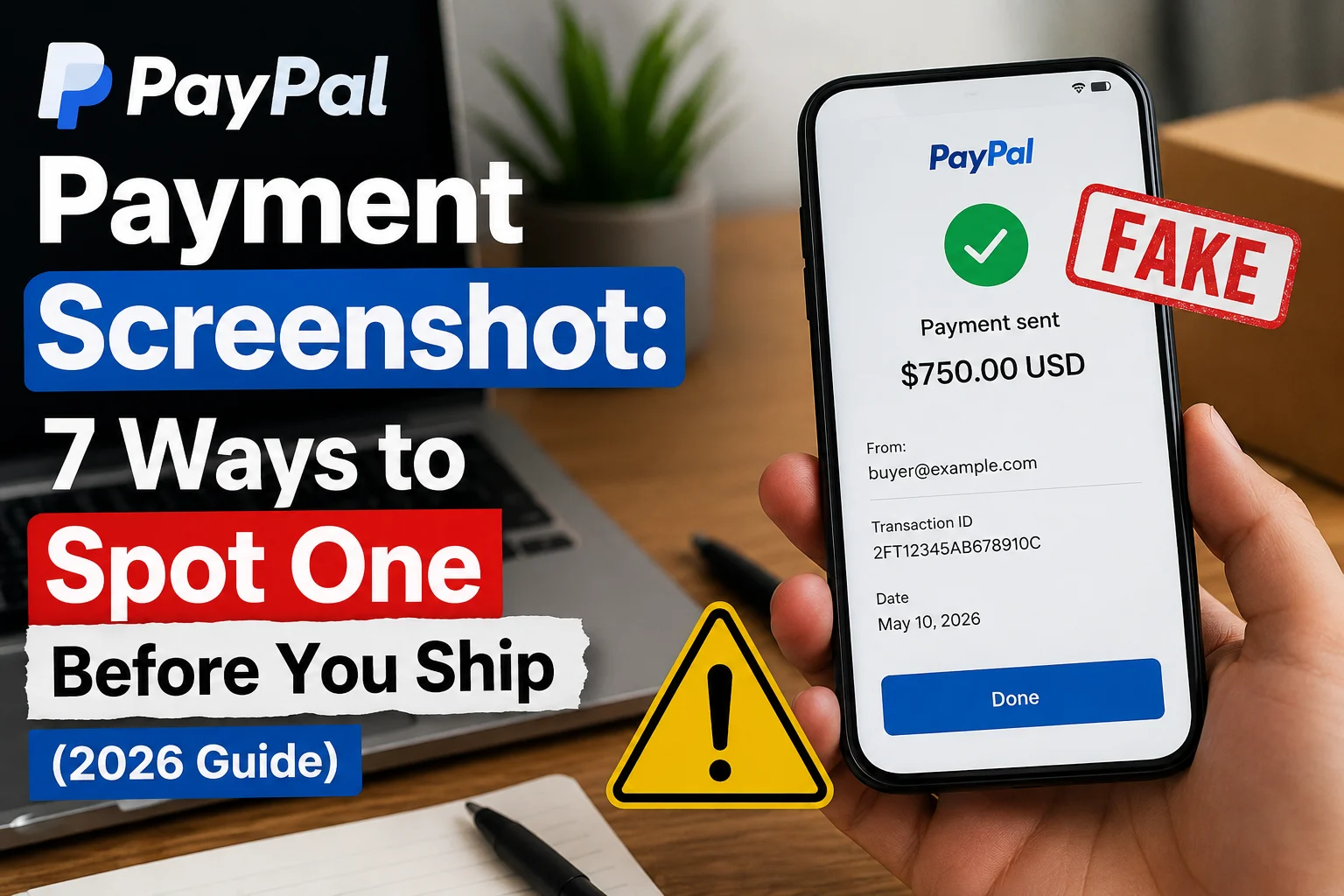
“If someone sends you a PayPal payment screenshot as proof, verify any payment screenshot instantly before trusting it.”
What to Do If You Already Clicked
If you clicked a link or called the number in one of these emails, here is what to do right away.
- Check your PayPal account: Log in directly and look at recent transactions. Anything suspicious should be reported immediately through the PayPal Resolution Center as fraud.
- Change your passwords without delay: Update your PayPal password, your email password, and any other account that uses the same credentials. Enable two-factor authentication while you are at it.
- Run a full antivirus scan: If you clicked any link in the email, there is a real possibility malware was downloaded onto your device. Run a complete scan before doing anything else online.
- Contact your bank: If your PayPal account is connected to a bank account or card, let your bank know what happened so they can monitor for suspicious activity.
- Report it to both platforms: Forward the phishing email to phishing@paypal.com. For the DocuSign abuse, use DocuSign’s Report Abuse feature on their website. Their team investigates suspicious accounts within 24 hours and closes them once confirmed.
- File a complaint with the FTC: Visit reportfraud.ftc.gov to make an official report. This helps authorities track these campaigns and protect more people.
Does PayPal Actually Send DocuSign Emails?
This is the most common question people ask, and the answer in almost every real-world scenario is no.
DocuSign is built for electronic document signing. PayPal is a payment processor with its own fully functioning notification system. There is no legitimate reason for PayPal to route a transaction alert, refund notice, or fraud warning through DocuSign.
Some attackers invest in paid DocuSign accounts to access professional templates and send documents through official servers specifically to bypass email security filters. This is precisely why the email from PayPal via DocuSign looks so convincing: the delivery mechanism is technically real. The malicious content lives inside the document itself.
If you ever receive an email titled “PayPal Customer Care via DocuSign,” treat it as a scam unless you have a very specific, pre-existing reason to expect that exact document.
How to Stay Protected Going Forward
You do not need to be a cybersecurity expert to stay safe from these attacks. A few consistent habits make a big difference.
- Never click links in unexpected financial emails. If something involves your money or account security, go directly to the official website by typing the URL yourself. Do not follow email links, even if the email looks completely legitimate.
- Recognize manufactured urgency. Scammers intentionally create panic to make you act before you think. An email claiming hundreds of dollars were just charged to your account is designed to bypass your rational thinking. Slow down. Check directly through the official app or website.
- Turn on two-factor authentication for your PayPal account and email. Even if a scammer gets your password, they cannot access your account without the second verification step.
- Keep your antivirus software current. Many modern tools now flag known phishing domains in real time, even when the originating email looks completely legitimate at a glance.
- Be cautious of emails that demand immediate action, use generic greetings, or contain even minor misspellings or awkward phrasing. These are signals that something is off, even when the overall email looks polished.
“Not sure if a link is safe? Check any suspicious URL here before clicking.”
The Bottom Line
The PayPal DocuSign phishing scam succeeds because it targets something completely reasonable: the habit of trusting familiar brands. When you see the DocuSign interface alongside a PayPal logo, your brain reads it as safe. That mental shortcut is the exact vulnerability being exploited.
Once you understand how the docusign paypal scam works, the signals become obvious. The email arrived without any prior context. PayPal does not use DocuSign for transaction alerts. There is a random phone number inside the document. No actual signature is being requested.
Any one of those signals should be enough to make you stop and verify before taking any action. Pass this along to someone you know who uses PayPal regularly. Awareness is genuinely the most effective defense against this kind of scam.