I’ll be honest with you. I’ve received my fair share of sketchy PayPal emails over the years. That moment when you see “Your account has been limited” or “Unusual activity detected” in your inbox? Your heart skips a beat, right?
Here’s the thing: you’re definitely not alone. Scammers send out millions of fake PayPal emails every single day, and they’re getting scarily good at it. But there’s good news too. Reporting these scam emails is actually pretty straightforward, and it makes a real difference.
Why Should You Report PayPal Scam Emails?
Your first instinct might be to just delete the email and move on. And yeah, that’s better than clicking anything suspicious. But reporting matters. Here’s why:
- You help shut down scam operations before they trick someone else, maybe your mom, your friend, or someone less tech-savvy
- PayPal tracks patterns and enough reports about one scam means they can find the fake websites and shut them down fast
- Spam filters improve because your report helps block similar emails automatically for everyone
- You put up a warning sign that protects the next person
How Do I Know If It’s Actually a Scam?
Before hitting report, make sure you’re actually looking at a scam. Here’s what to check:
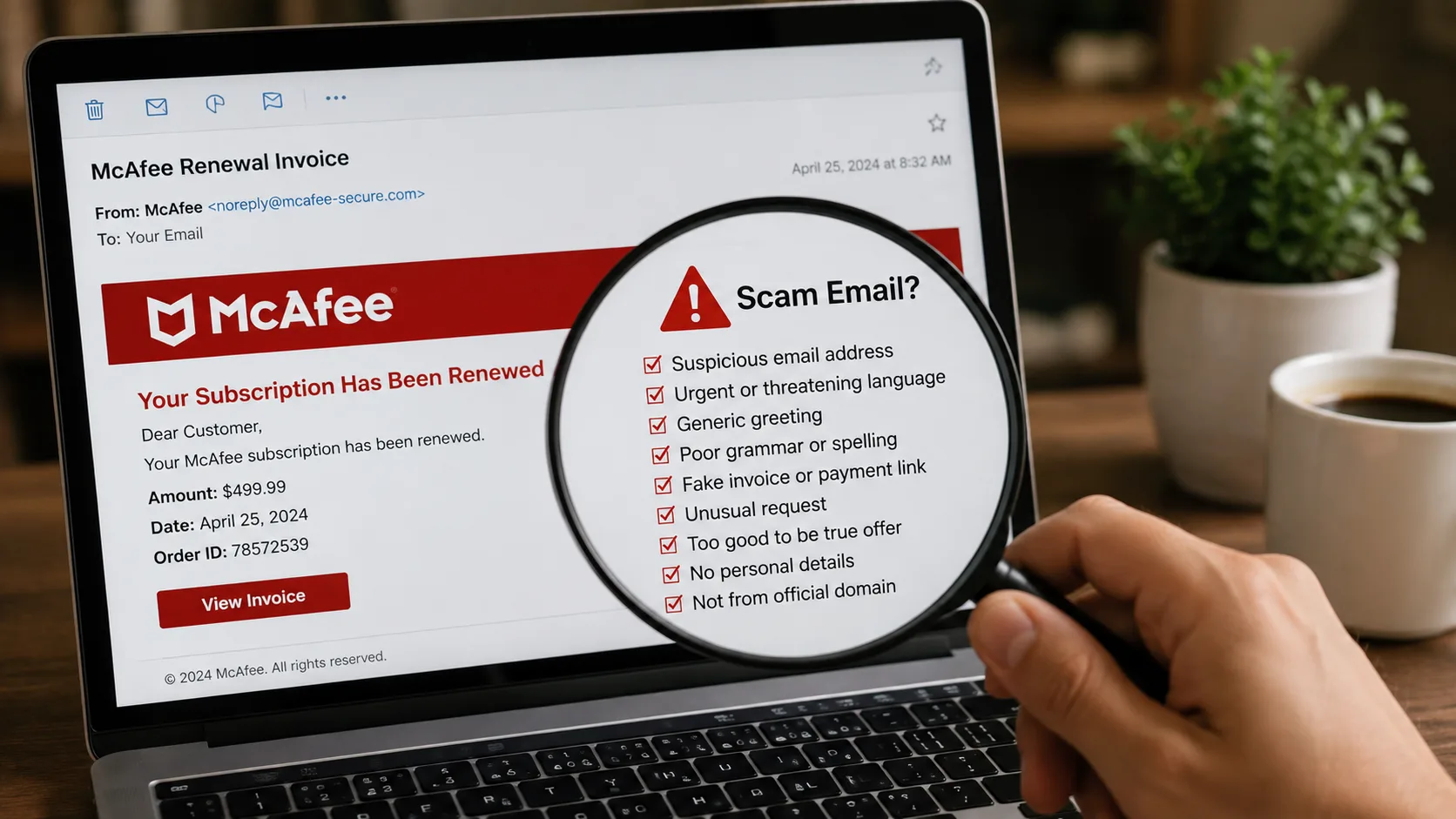
| Red Flag | What to Look For |
|---|---|
| Generic greeting | “Dear User” or “Dear PayPal Customer” instead of your real name |
| Urgent language | “Your account closes in 24 hours!” PayPal doesn’t operate like that |
| Suspicious sender address | Look for tricks like “paypa1@randomsite.xyz” (number 1 instead of letter l) |
| Strange link URLs | Hover without clicking. If it doesn’t end in paypal.com, it’s a scam |
| Grammar mistakes | Professional companies have editors. Scammers don’t. |
Golden Rule: When in doubt, open a new browser tab, type paypal.com directly, log in, and check your notifications there. If there’s really a problem, you’ll see it.
How to Report PayPal Scam Email: Step by Step
Method 1: Forward the Email (Easiest, Takes 30 Seconds)
This is hands-down the easiest method:
- Don’t click anything in the suspicious email, no links, no buttons
- Hit Forward in your email client
- Enter phishing@paypal.com as the recipient
- Send it as-is and don’t add comments or change the subject line
- Delete the original and empty your trash
PayPal’s security team needs the email exactly as you received it. Headers, links, everything. That’s how they track the scammers.
Note: You may see older articles mention spoof@paypal.com. That still works, but phishing@paypal.com is the current recommended address.
Method 2: Report Through Your PayPal Account
- Go to PayPal.com (type it yourself, don’t Google it)
- Log into your account
- Click Help at the top
- Select Contact Us
- Find “Report a security issue or unauthorized activity”
- Describe what happened and submit
Takes a bit longer but feels more official if you prefer that.
Method 3: Using the PayPal Mobile App
- Tap your profile picture
- Go to Help & Contact
- Select Report a Problem
- Choose Security
- Follow the prompts
Method 4: Report to Additional Authorities
Want to go the extra mile? Also report to:
- FTC (US): reportfraud.ftc.gov
- Anti-Phishing Working Group: reportphishing@apwg.org
Check out our PayPal Email Checker if you want a quick way to verify whether an email is legit.
Where to Report PayPal Scam Email: All Official Channels
| Channel | Where |
|---|---|
| Primary reporting | phishing@paypal.com |
| Account-based reporting | PayPal Resolution Center (after logging in) |
| Help Center | Desktop or mobile app |
| US incidents | reportfraud.ftc.gov |
| Global phishing database | reportphishing@apwg.org |
Honestly? Just forwarding to phishing@paypal.com covers 90% of what you need.
What Happens After You Report?
Don’t expect a personal thank-you. PayPal handles thousands of reports daily. But your report doesn’t disappear:
- Automated scanning pulls out all links and checks where they lead
- Fake websites get shut down usually within a few hours
- Spam filters get smarter with every report they receive
- If you actually clicked something and entered info, you’ll hear back within 24 to 48 hours and they’ll help secure your account
Common Questions
I already clicked the link. What do I do?
Did you enter your password or personal info?
- If no: you’re probably fine
- If yes: change your PayPal password immediately at PayPal.com, enable two-factor authentication, contact PayPal support, and run a virus scan
I don’t have a PayPal account. Can I still report?
Yes. Forward to phishing@paypal.com anyway. Scammers blast these to millions of addresses. Your report still helps protect real users.
Will PayPal ever email me about account issues?
Yes, but they’ll never ask you to click a link to fix anything. Real PayPal emails tell you to log in directly. Never “click here to verify.”
I keep getting the same scam email. Report every time?
Once is enough for the identical email. But different versions or new scam types? Yes, report those separately.
How long before PayPal responds?
- Phishing reports to phishing@paypal.com: typically no personal response
- Unauthorized transaction reports via Resolution Center: 24 to 48 hours
PayPal Scam Email Examples to Watch For (2026)
These are the ones making the rounds right now:
1. Fake Invoice Scam You receive a PayPal invoice for something expensive like Norton antivirus or random electronics. It actually comes through PayPal’s system so it looks real. The scam is a fake phone number to “call if you didn’t authorize this” and that number connects you to scammers.
2. Cryptocurrency Payment Scam Claims you bought Bitcoin through PayPal with a large charge listed. Designed to make you panic and call a fake support number.
3. DocuSign Combination Scam Looks like it’s from both PayPal and DocuSign asking you to sign a document. Extremely professional-looking and has fooled a lot of people.
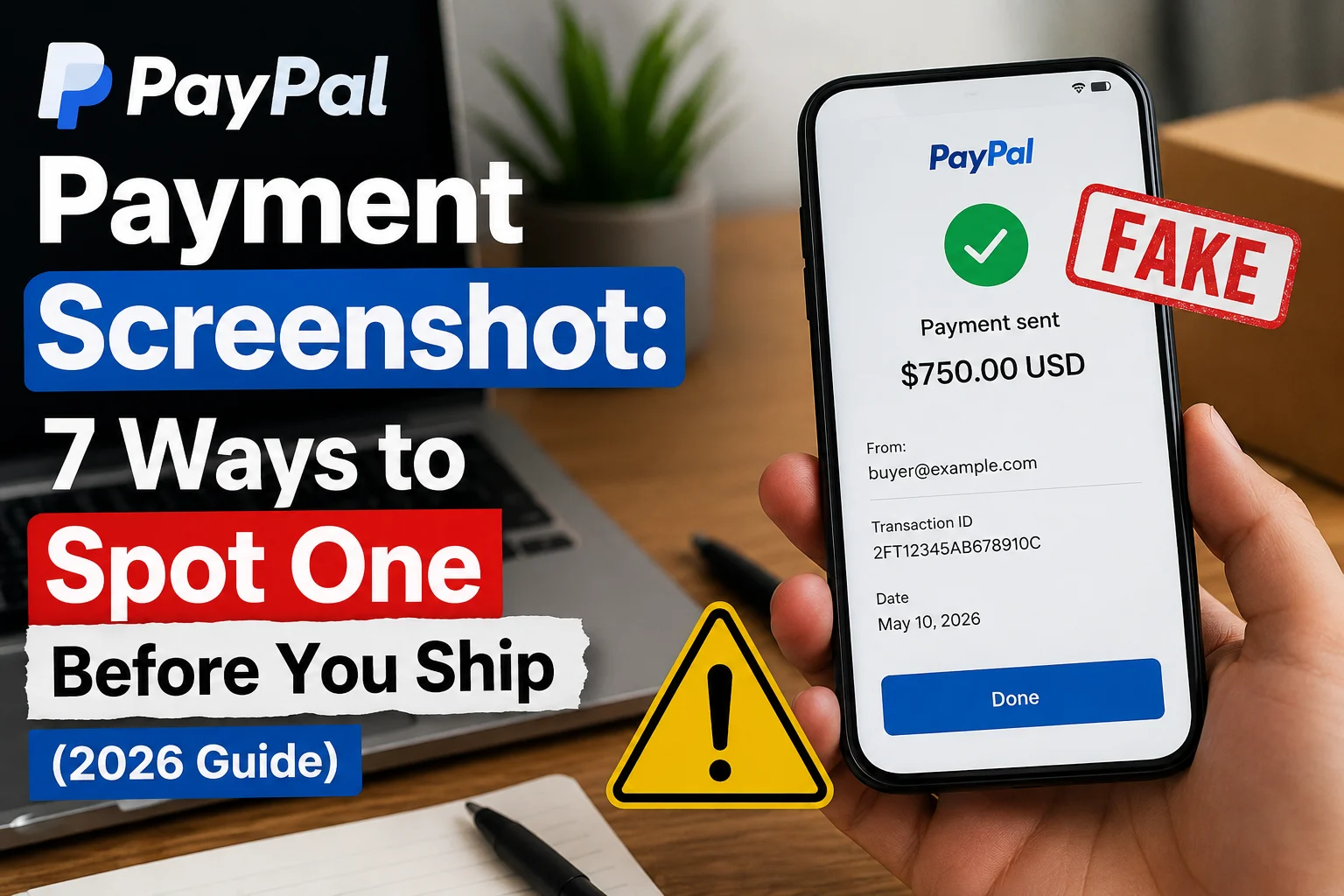
4. Receipt Scam A fake PayPal receipt for a purchase you never made, complete with fake transaction IDs. Looks identical to real receipts.
5. Account Limitation Scam Claims your account is limited due to “suspicious activity.” Classic fear tactic that’s still very effective.
What NOT to Do When You Get a Scam Email
- Don’t reply because it confirms your email is active and invites more scams
- Don’t click any links, even out of curiosity. Phishing sites can install malware just by visiting
- Don’t download attachments as they often contain keyloggers or ransomware
- Don’t call phone numbers in the email because those connect directly to scammers
- Don’t enter your password anywhere except PayPal.com, even if the page looks identical
How to Protect Yourself Going Forward
- Enable two-factor authentication Use an authenticator app like Google Authenticator or Authy. It’s more secure than SMS and takes only 10 extra seconds to log in. Worth every second.
- Check your account regularly Glance at your PayPal transactions once a week. Takes 30 seconds and you’ll catch anything weird immediately.
- Use a unique password If you’re reusing your PayPal password anywhere else, stop. Get a password manager.
- Use a separate email for financial accounts One email just for banking and PayPal gets far fewer scam attempts than a general-use email.
- Review linked accounts periodically Every few months, check what bank accounts, cards, and apps are connected. Remove anything you don’t use.
How to Reduce the Number of Scam Emails You Get
- Turn on your email provider’s spam filters because Gmail, Outlook, and Yahoo all have them built in
- Mark scams as spam before deleting to train the filter
- Don’t post your email publicly since bots scrape addresses from forums and social media
- Report and block senders when possible
Final Thoughts
Reporting a PayPal scam email takes maybe 60 seconds. That minute could save someone from losing their hard-earned money.
The process is simple: see a scam, forward to phishing@paypal.com, delete, and move on.
Share this with anyone who might not be familiar with these scams. The people most at risk are the ones who trust every email in their inbox.
Stay safe. When something feels fishy about a PayPal email, it usually is.