A senior citizen in Mumbai lost ₹9.26 lakh in a single phone call. The caller said he was from a telecom company. He asked the man’s father to download a “small app” for verification. That app was a screen sharing tool. Within minutes, every rupee was gone.
A businessman in Karnataka lost over ₹50,000 after downloading a screen sharing app called Rust Desk, just because he wanted help operating his PhonePe account.
A Hyderabad-based doctor lost ₹1.41 lakh while sharing her Google Pay screen with a stranger who promised to send “advance payment” for a medical checkup.
These are not rare cases. Screen sharing scam is one of the fastest-growing cyber frauds in India right now. The Reserve Bank of India (RBI), NPCI, and police departments across multiple states have all issued warnings against it.
If someone on a phone call is asking you to download AnyDesk, TeamViewer, QuickSupport, or Rust Desk, stop right there. That person is a scammer.
This guide explains exactly how this scam works, who gets targeted, and what you should do if you’ve already fallen for it.
What Is a Screen Sharing Scam?
A screen sharing scam is a type of cyber fraud where a scammer tricks you into downloading a remote access app on your phone or computer. Once installed, the scammer can see everything on your screen in real-time, including your OTPs, UPI PIN, banking apps, passwords, and personal messages.
The most commonly misused apps in these scams are:
- AnyDesk
- TeamViewer
- QuickSupport
- Rust Desk
- Google Meet screen share
These are legitimate apps used by IT professionals for remote support. But in the hands of a scammer, they become tools to drain your bank account.
The RBI issued its first public advisory about AnyDesk fraud back in February 2019. NPCI followed with its own warning. Since then, police departments in Kerala, Meghalaya, Gurugram, Hyderabad, and many other cities have issued similar alerts, but the scam is still growing because most people have never heard of it.
How Does the Screen Sharing Scam Work? (Step-by-Step)
Here is the exact playbook scammers follow. Every step is designed to build trust and create urgency.
Step 1: The Fake Call
You receive a phone call. The caller claims to be from:
- Your bank (SBI, HDFC, ICICI, etc.)
- A telecom company (Airtel, Jio, Vi)
- A payment app (PhonePe, Google Pay, Paytm)
- Amazon, Flipkart, or any e-commerce platform
- The “Electricity Board” or “Insurance Company”
They sound professional. They may already know your name, phone number, or even partial account details (collected from data leaks or social media).
Step 2: Creating Panic or Excitement
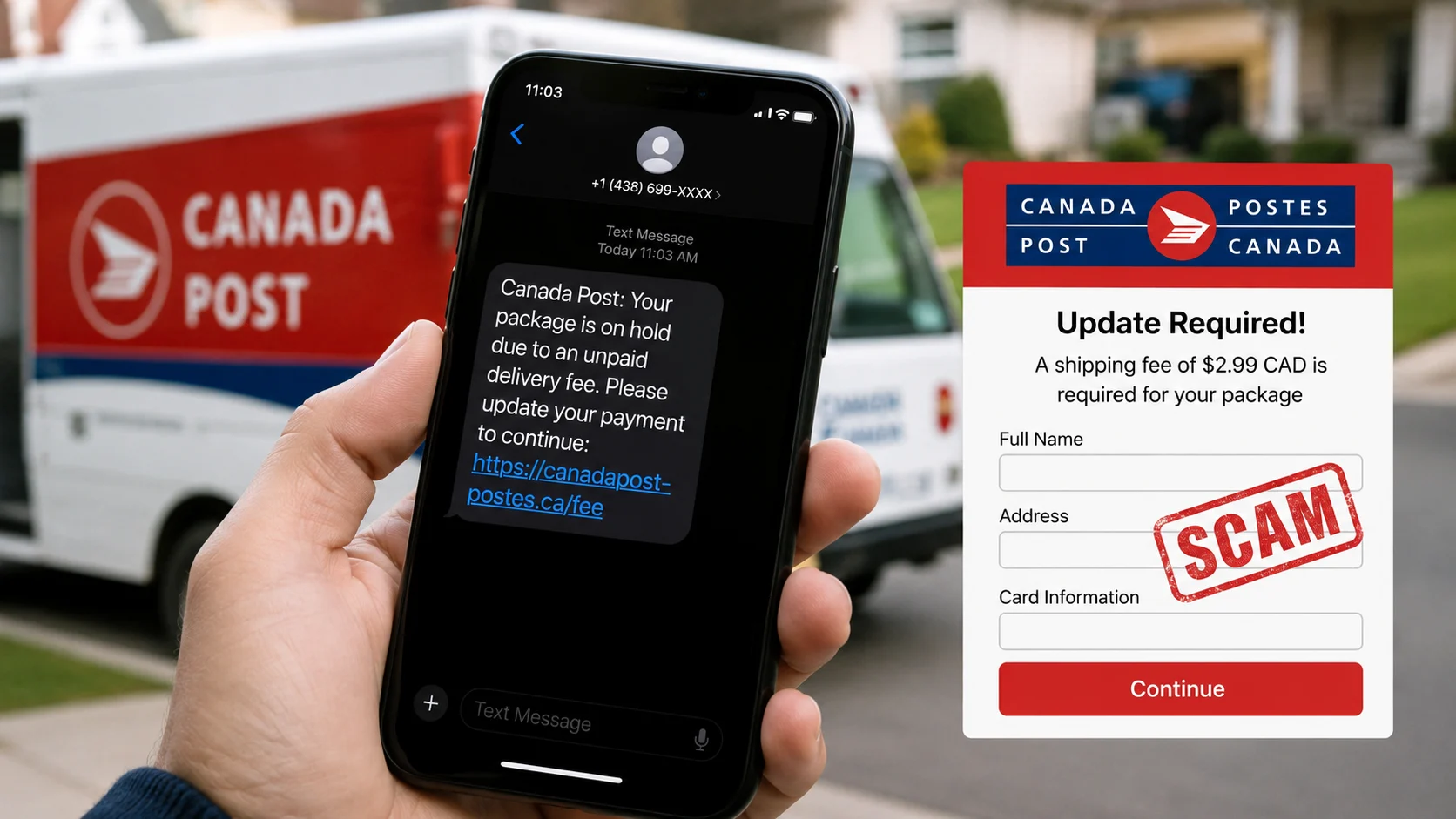
The scammer creates urgency using one of these stories, and if you receive such messages, you can verify them using a scam message checker:
- “Your KYC is expired. Your account will be blocked in 2 hours.”
- “A suspicious transaction of ₹48,000 has been detected on your account.”
- “You are eligible for a refund of ₹3,500. Let me help you process it.”
- “Your credit card application is approved. Let me complete the verification.”
- “Your electricity bill is overdue. Pay now or your connection will be cut.”
The goal is to make you act fast without thinking.
Step 3: “Download This Small App”
Once you’re worried (or excited), the scammer says:
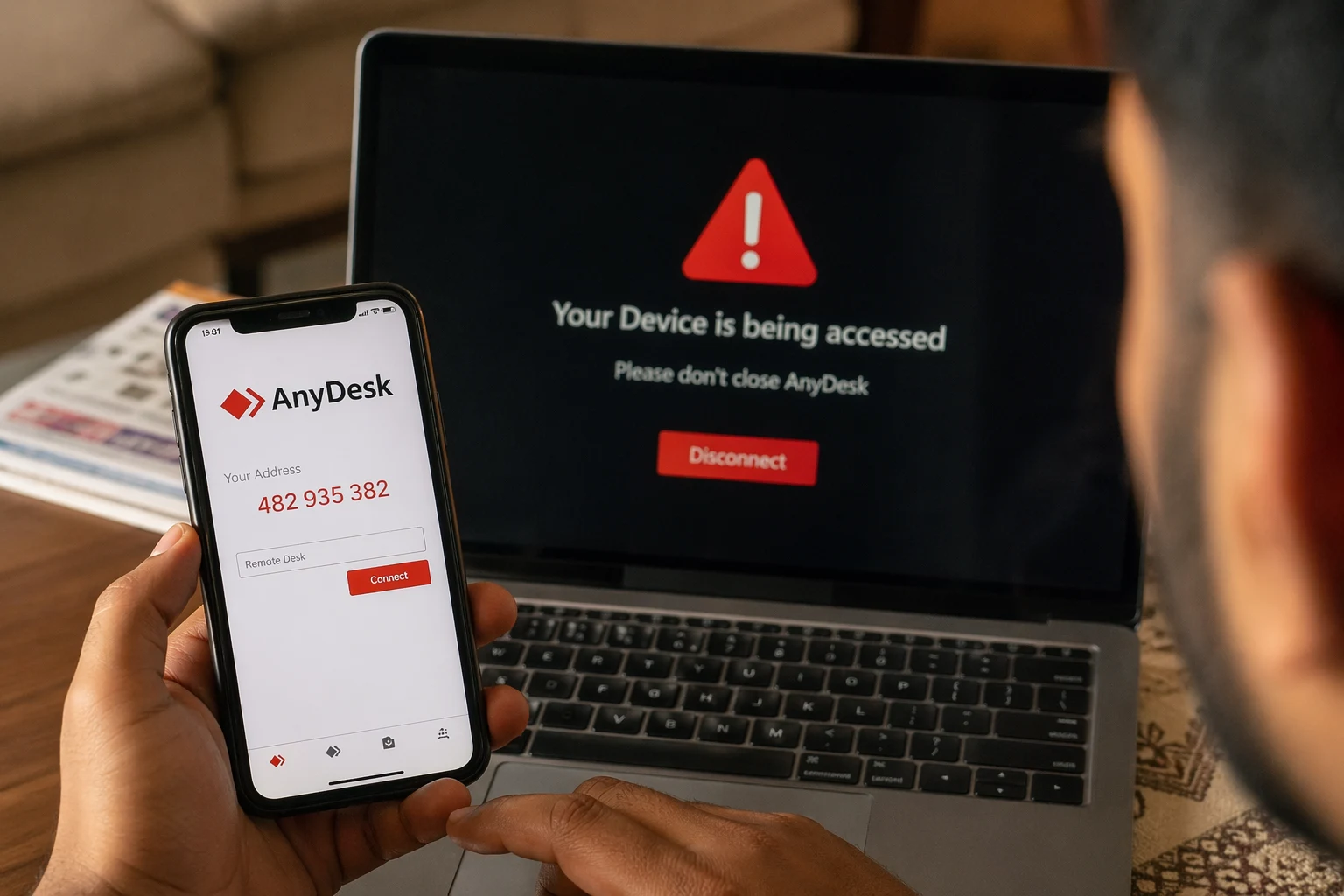
“Don’t worry, I will help you fix this. Just download a small app from Play Store. Search for AnyDesk (or TeamViewer or QuickSupport).”
You download the app. It generates a 9-digit code on your screen.
Step 4: Sharing the Code
The scammer asks you to share this code. You share it, after all, it is just a number, right?
Wrong. That 9-digit code gives the scammer complete remote access to your phone or computer.
Step 5: Granting Permissions
The app asks for certain permissions like display over other apps and accessibility access. The scammer guides you through all of them, saying things like “just tap Allow, it’s a routine security check.”
Step 6: Your Money Disappears
Now the scammer can see everything on your screen. They can:
- Watch your OTPs as they arrive via SMS
- See your UPI PIN as you type it
- Open your banking app and initiate transfers
- Install a UPI app on their own device using your phone number and the OTP visible on your screen
- Copy your saved passwords and card details
In the Hyderabad doctor case, the scammer installed a UPI app on their own device using the victim’s phone number. The activation OTP appeared on her shared screen. The scammer typed it in on their end and started making transactions from her ICICI Bank account without her even knowing.
All of this can happen within 5 to 10 minutes.
Real Cases of Screen Sharing Scam in India
Case 1: Mumbai Senior Citizen, ₹9.26 Lakh Lost
A Colaba-based senior citizen received a call from someone pretending to be a telecom company representative. The caller asked him to download a screen sharing app. Once access was granted, the scammer transferred ₹9.26 lakh from his account. An FIR was registered under IPC and IT Act, but no arrests were made at the time of reporting.
Case 2: Karnataka Businessman, ₹50,000+ Lost
A village-based businessman in Karnataka was having trouble with his PhonePe app. He searched Google for customer care numbers and called one. The person asked him to install Rust Desk, a screen sharing app. After he shared access, the scammer scanned his credit cards through the phone camera and made transactions worth ₹57,801 from two different credit cards. FIR was registered on July 31.
Case 3: Hyderabad Doctor, ₹1.41 Lakh Lost
A 49-year-old doctor received a WhatsApp message from a man claiming to be an army officer. He said he wanted to send 90 women cadets for medical examination and would pay in advance. During the payment process, he asked her to share her Google Pay screen. While her screen was shared, the scammer installed a UPI app using her mobile number and made unauthorized transactions of ₹1,40,972 from her ICICI account.
Case 4: Pune Resident, ₹3.2 Lakh Lost
A man in Pune received a call from someone claiming to be a bank officer. The caller said his KYC was expiring and asked him to install AnyDesk for quick verification. Within 10 minutes of sharing his access code, ₹3.2 lakh was transferred out of his account.
Case 5: Delhi Woman, ₹85,000 Lost (Amazon Refund Scam)
A woman in Delhi received a call from a supposed Amazon refund team. She was told to install AnyDesk to process her refund. Instead, ₹85,000 was transferred from her account while she was still on the call with the scammer.
Who Gets Targeted the Most?
Screen sharing scams do not discriminate, but some groups are targeted more frequently:
- Senior citizens, Less familiar with app permissions and remote access concepts
- Small shopkeepers and businessmen, Often search Google for customer care numbers when facing issues
- First-time smartphone users, Trust anyone who sounds professional on the phone
- People searching for help online, Google is full of fake customer care numbers posted by scammers
- Salaried professionals, Targeted with credit card upgrade or insurance renewal scams
If your parents or grandparents use smartphones, please share this article with them. Most victims never realize what went wrong until their bank balance shows zero.
Warning Signs: How to Spot a Screen Sharing Scam
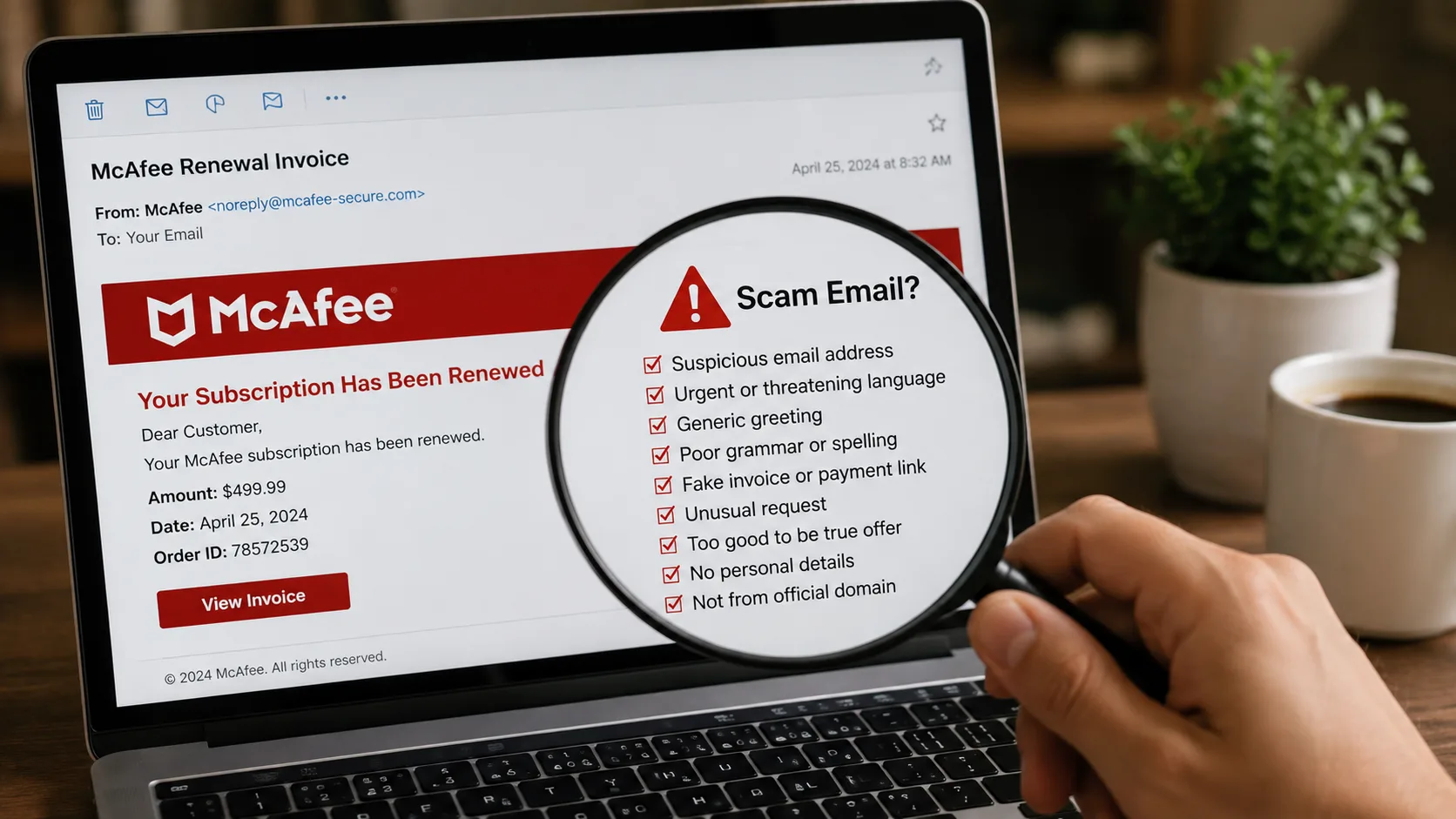
Ask yourself these questions. If the answer to even one is “yes”, it is a scam.
1. Did someone call YOU first?
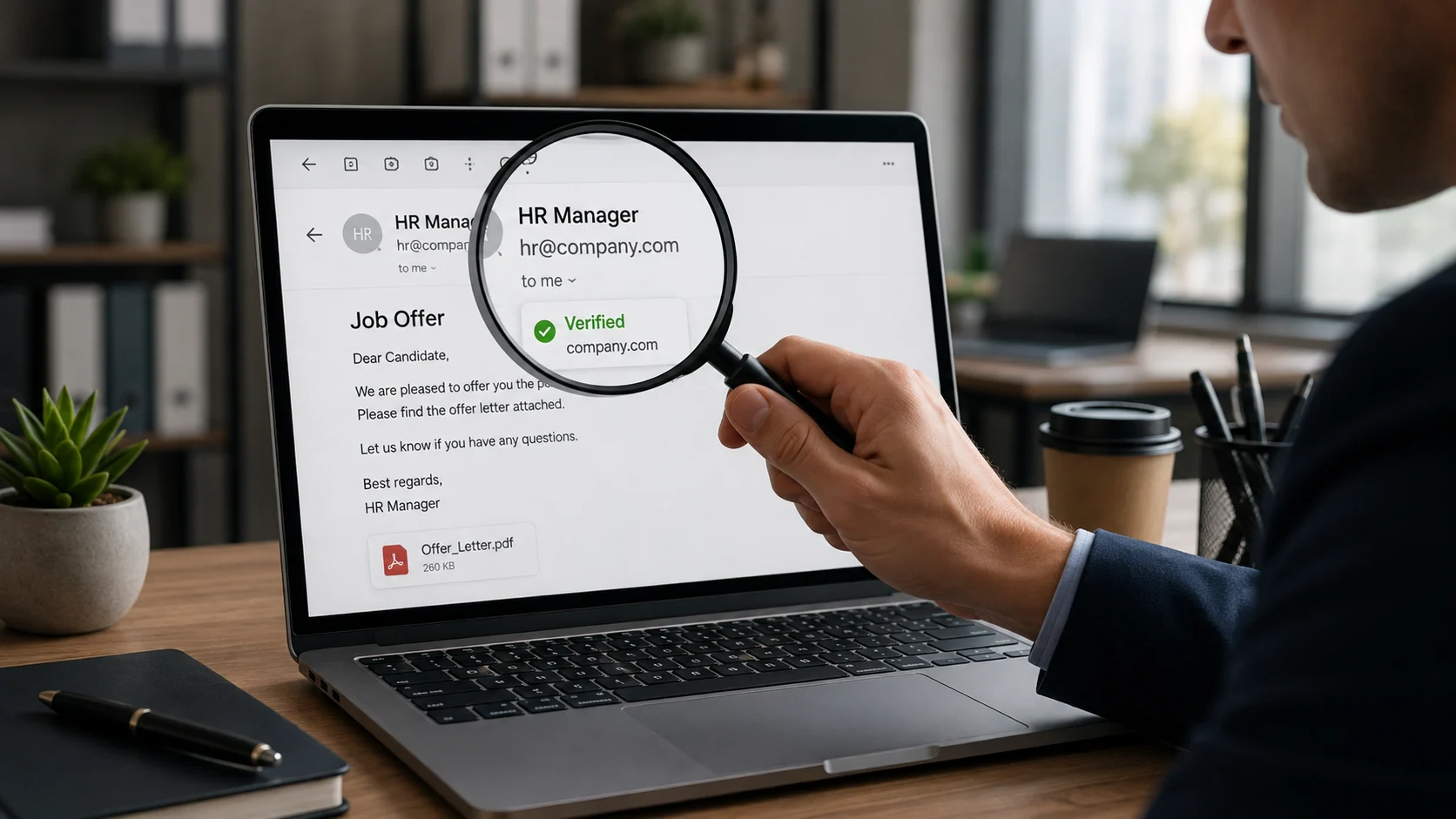
Real banks and companies rarely call customers. They send emails, app notifications, or SMS. An unsolicited call asking you to verify or update something is almost always fake.
2. Are they asking you to download an app?
No bank, no payment company, and no government agency will ever ask you to download AnyDesk, TeamViewer, QuickSupport, or any screen sharing app. Period.
3. Are they asking for a code from your screen?
That 9-digit code is the key to your entire device. Sharing it is like handing over the keys to your house.
4. Are they creating urgency or fear?
“Your account will be blocked in 1 hour.” “A fraud transaction has been detected.” “Act now or lose your refund.” These are pressure tactics. Real companies give you time.
5. Did you find their number on Google?
Many customer care numbers on Google are fake, and before trusting any link or website, you should always verify it using a URL checker. Scammers pay for Google Ads or post numbers on websites that look official. Always get the customer care number from the official app or website.
What Should You Do If Someone Asks You to Share Your Screen?
Immediately hang up the call.
Then follow these steps:
1. Do NOT download any app they mentioned. If you already downloaded it, uninstall it immediately.
2. If you shared the code but no money was taken yet:
- Uninstall the screen sharing app right away
- Change your UPI PIN immediately
- Change your internet banking password
- Call your bank and ask them to temporarily block transactions
3. If money has already been taken:
- Call the national cybercrime helpline 1930 within the first hour (this is the golden hour, your chances of recovery are highest if you act within 1 to 3 hours)
- File a complaint at cybercrime.gov.in
- Call your bank’s fraud helpline and request an account freeze on the recipient’s account
- Visit your nearest police station and file an FIR
- Save all evidence like call recordings, screenshots, transaction IDs, and the scammer’s phone number
Final Words
Screen sharing scams work because they exploit trust. You trust the person on the phone because they sound professional. You trust the app because it is on Google Play Store. You trust the process because it seems simple.
But here is the truth. No real bank, company, or government agency will ever ask you to share your screen or download a remote access app over a phone call.
If you remember just one thing from this entire article, let it be this:
Phone pe koi app download karne bole → Scam hai. Phone kaat do.
Share this article with your family, especially your parents and grandparents. One share can save someone’s life savings.