A professional-looking website is not proof that the business behind it is genuine. Scam stores and phishing pages can copy logos, product photos, reviews and even the design of a well-known brand within hours. The safer question is not “Does this site look good?” but “Can I independently verify who runs it, how long it has existed and where my money or data will go?”
This guide explains how to check if a website is legit in India before you buy, sign in, upload an ID or make a UPI payment. If you already have the link, start with ScamDekho’s free website scam checker, then use the manual checks below. Automated tools can highlight risk signals, but they cannot guarantee that a website is safe.
Quick answer: how do I check whether a website is genuine?
Check the exact domain spelling, domain age, HTTPS certificate, contact details, return policy, payment method, independent reviews and whether the offer is realistic. Search the company name separately, verify any registration or address through the relevant official source, and avoid paying when the seller creates urgency. A single positive signal is never enough; look for a consistent pattern.
1. Read the domain name character by character
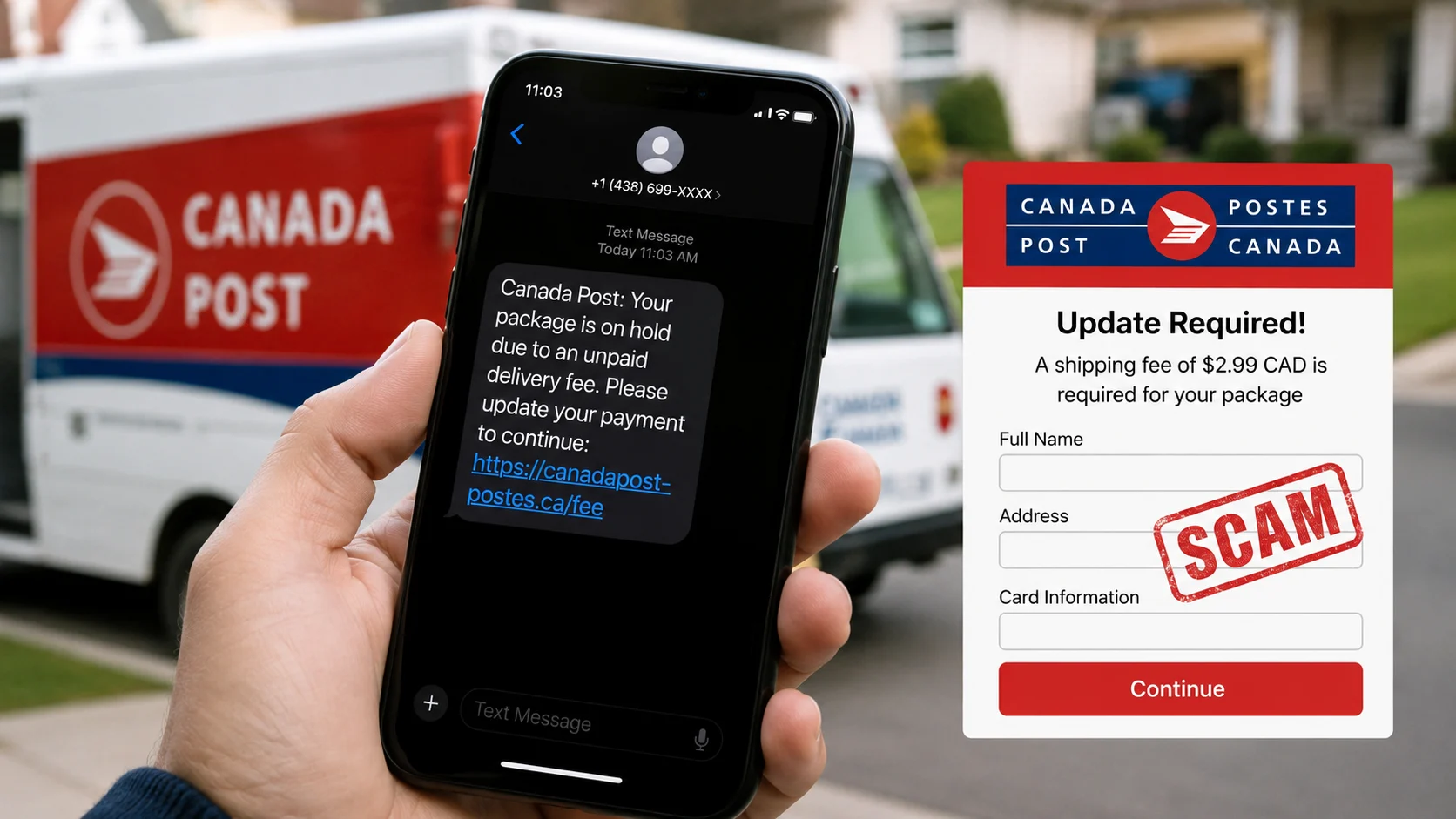
Scammers often register lookalike domains that replace one letter, add a hyphen or use an unusual ending. A fake page may display the real company name while the address bar shows something different. On mobile, tap the address bar so you can see the complete domain.
- Watch for swapped letters such as “rn” in place of “m”.
- Be careful with extra words such as “secure”, “claim”, “support” or “india-offer”.
- Do not assume a link is official because it includes a brand name somewhere in the URL.
- Check the registered domain itself, not only the page title shown in WhatsApp or Google.
2. Check domain age and registration consistency
A domain created very recently deserves extra caution when the site claims to be an old, established company. Domain age alone does not prove fraud—legitimate businesses launch new sites—but a new domain combined with huge discounts, copied text and prepaid-only checkout is a strong warning pattern.
Use the ScamDekho URL Checker to review available domain-age and reputation signals. If registration information is private, do not treat that as automatic proof of a scam; many legitimate owners use privacy protection.
3. Understand what HTTPS does—and does not—prove
The padlock means the connection between your browser and the website is encrypted. It does not verify that the seller is honest. Scam websites can also obtain valid SSL certificates. Treat HTTPS as a minimum technical requirement, not a trust certificate.
4. Verify the business outside its own website
Do not rely only on the “About Us” page. Search the business name, phone number, email address and physical address independently. Check whether the same contact details appear consistently across established profiles and official records relevant to that business.
If the site claims to represent a famous brand, open the brand’s official website by typing its address yourself. Use the contact information on that official site to confirm the relationship. Never use the phone number supplied by the suspicious page to verify itself.
5. Test the contact information
A legitimate business should normally provide a usable support channel and clear identity. Warning signs include only a WhatsApp number, a free email address for a supposedly large company, an address that belongs to an unrelated place, or policies copied from another site.
- Search the phone number in quotes.
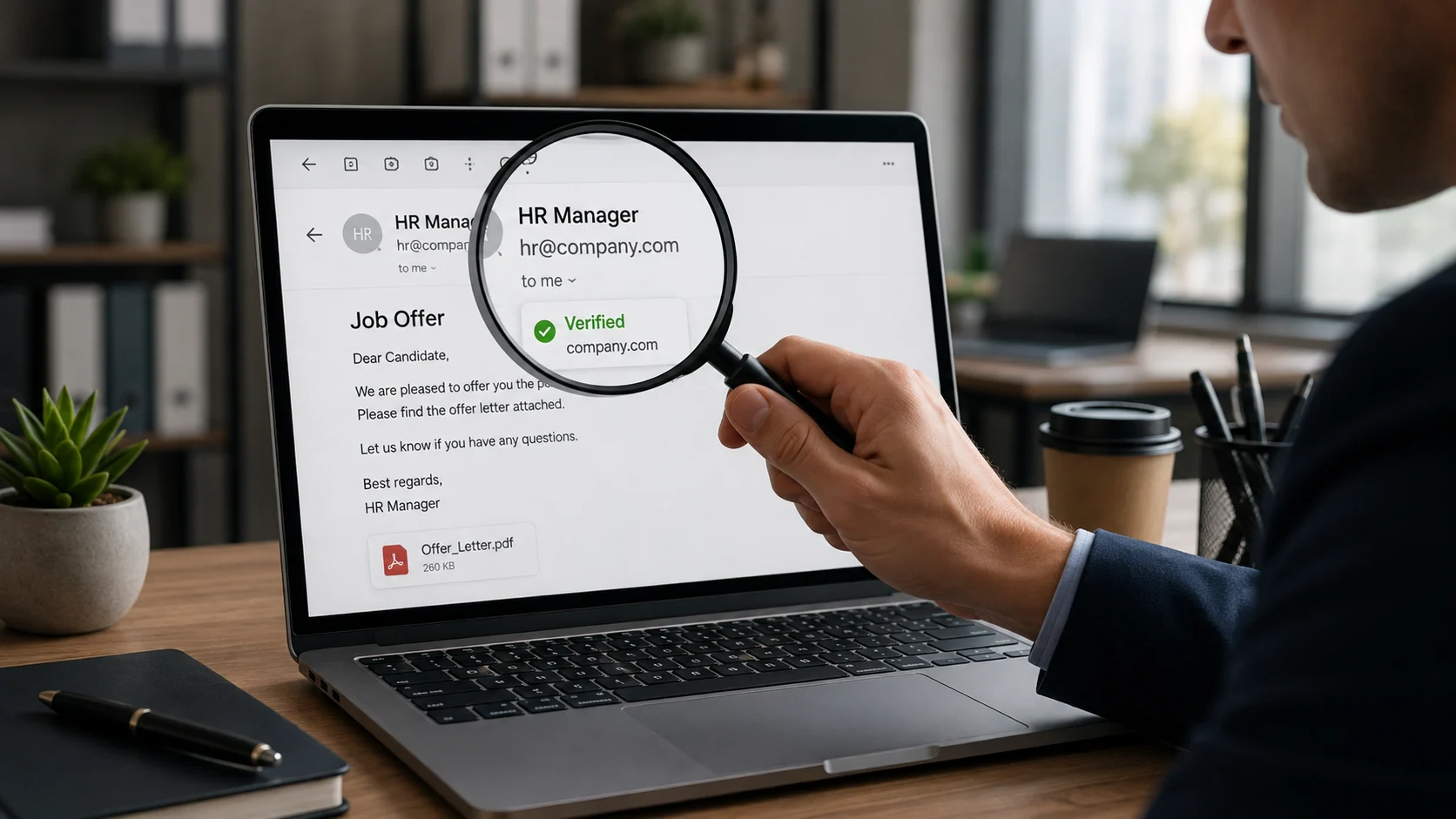
- Check whether the email domain matches the website domain.
- Look up the address on a map and compare the business name.
- Read the privacy, refund, shipping and terms pages for mismatched names.
6. Compare prices with normal market prices
Fraudulent stores use extreme discounts to make people act before checking. A limited-time offer is not automatically fake, but a popular product sold far below every established retailer needs independent verification. Search the exact product model on multiple trusted stores before paying.
7. Inspect the payment flow
Be cautious when a store insists on a direct UPI transfer to a personal-looking ID, asks you to scan a QR received over chat, or moves the conversation outside the website. Before approving a UPI payment, confirm the payee name displayed by your payment app. If you need to inspect an unfamiliar handle or QR, use the UPI ID and QR Scam Checker as an additional signal.
Never enter a UPI PIN to receive money. A PIN authorizes a debit from your account. Also avoid sharing OTPs, card PINs, CVVs or screen-sharing access with a seller or support agent.
8. Look for copied product images and text
Scam sites frequently copy images, testimonials and policy text. Reverse-searching a distinctive product image can reveal whether it appears on many unrelated stores. Search a sentence from the About or Returns page inside quotation marks. If another company’s name appears in the policy, the site may be using a copied template.
9. Read independent reviews carefully
Reviews shown on the seller’s own website are easy to fabricate. Look for discussion across multiple independent sources and focus on specific, detailed experiences. A sudden group of five-star reviews using similar language, followed by complaints about non-delivery, is more informative than the average rating alone.
No reviews can simply mean the business is new. Combine this with domain age, contact verification and payment behavior before deciding.
10. Check for pressure, fear and forced urgency
Countdown timers, “only one left”, threats that an account will close, or instructions to pay within minutes are designed to reduce careful thinking. Stop and verify through a separate channel. A genuine business should allow you enough time to understand what you are buying and how refunds work.
11. Be careful with downloads and login pages
Do not install an APK, browser extension, remote-access app or “security update” from an unfamiliar site. If a link asks you to log in to a bank, marketplace or government service, close it and open the official app or type the official address yourself. Password managers can also help: they normally will not autofill credentials on a lookalike domain.
12. Use a combined risk decision
Do not decide from one signal. Use this simple rule:
- Low concern: established domain, independently verified business, consistent contact details and normal payment options.
- Needs caution: new domain or limited reputation, but no direct evidence of fraud. Verify before sharing data or paying.
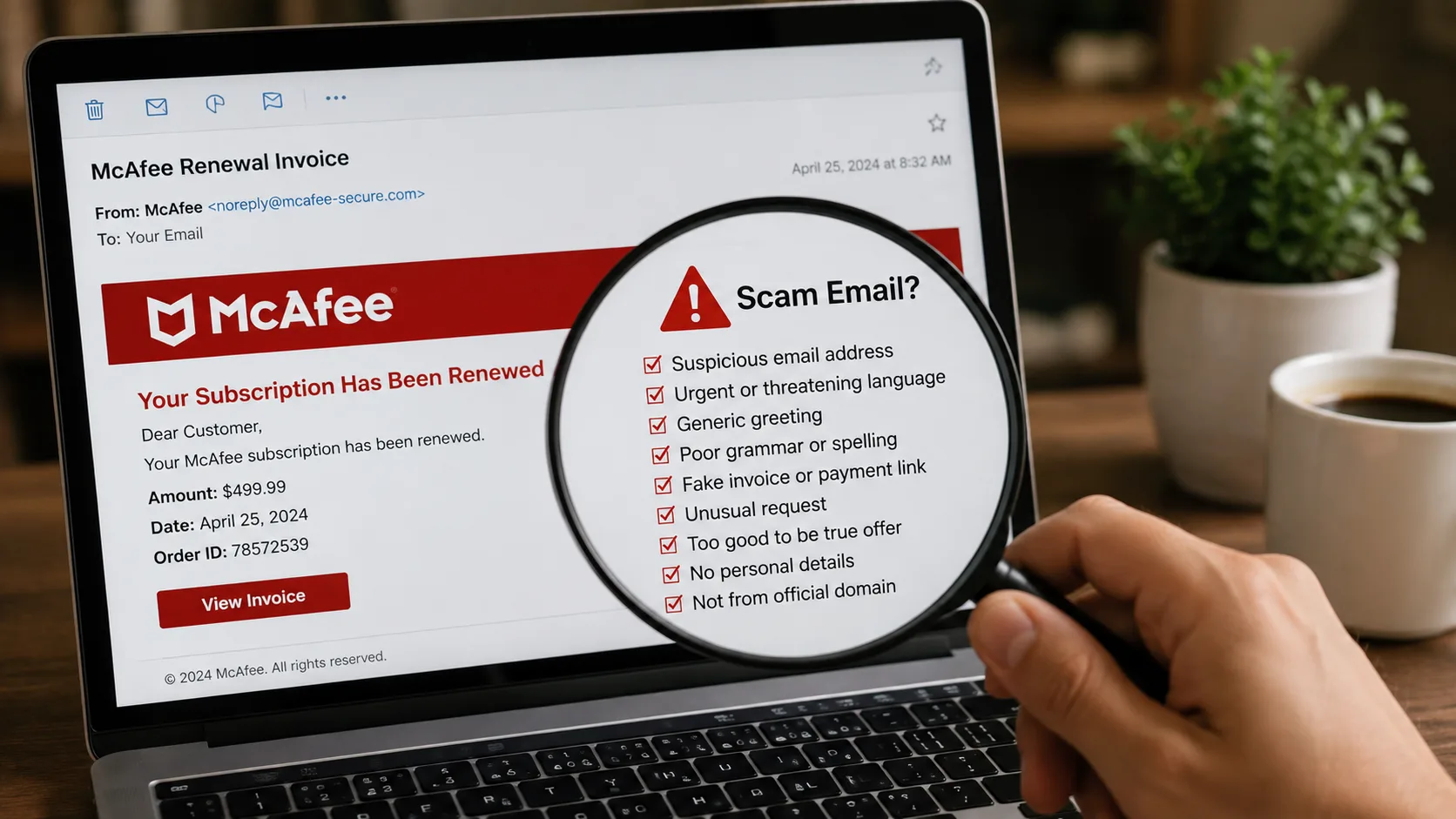
- High concern: lookalike URL, impossible discount, prepaid-only pressure, personal UPI demand, copied policies or requests for OTP/PIN/remote access.
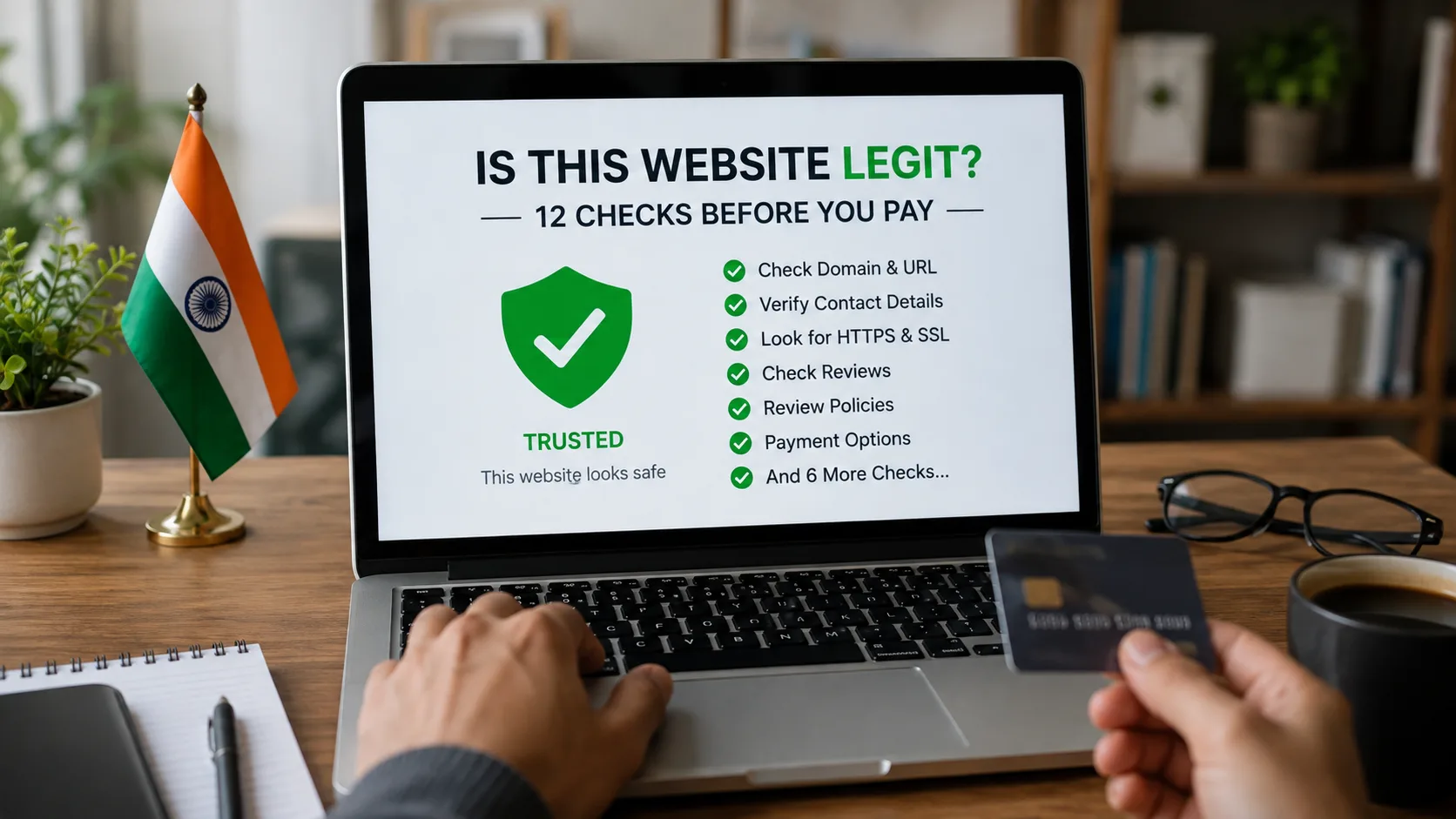
Website legitimacy checklist before payment
- Open the full URL and confirm the spelling.
- Run the link through the website safety checker.
- Check domain age and available reputation signals.
- Verify the company using a separate official source.
- Search the phone, email and address independently.
- Compare the price with established sellers.
- Read refund, shipping and privacy policies.
- Confirm the payee name before approving UPI.
- Do not download unknown files or share an OTP/PIN.
- If several signals do not match, do not proceed.
What to do if you already paid a suspicious website
Contact your bank or payment provider immediately and ask about the available dispute or fraud-reporting process. Save the URL, order page, payment reference, chat, email, phone number and screenshots. Report the incident through India’s official cybercrime reporting channel and follow the current instructions shown there. Do not pay a second “refund fee” to anyone claiming they can recover the money.
Frequently asked questions
Does a padlock mean the website is genuine?
No. It only shows that the connection is encrypted. You still need to verify the domain, business identity, reputation and payment flow.
Can a new website be legitimate?
Yes. Domain age is one signal, not a verdict. A new site needs stronger independent verification, especially before prepaid purchases or identity-document uploads.
Can ScamDekho guarantee that a website is safe?
No scanner can guarantee safety. ScamDekho provides automated risk signals to support your decision. Always verify important transactions independently.
What is the safest way to open a bank or government website?
Use the official mobile app or type the known official address yourself. Avoid signing in through a link received by SMS, email, an advertisement or an unknown WhatsApp contact.
Final takeaway
A convincing design can be copied; a consistent identity is harder to fake. Check the domain, history, business details, payment recipient and independent reputation before trusting a website. If the evidence is incomplete or the seller is pressuring you, pause the transaction.