A recruiter’s display name, logo and professional signature can be copied in minutes. What matters is whether the sender, domain, vacancy and hiring process can be verified independently. This guide shows you how to verify an HR email and company domain before accepting a job offer, sharing identity documents or paying any fee.
If you have already received an offer letter, upload it to ScamDekho’s free fake offer letter checker for an initial review. The tool can flag suspicious patterns, but it cannot confirm employment on behalf of a company. Final verification should always come from the employer through contact details found independently.
Quick answer: how can you verify an HR email?
Open the full sender address, compare its domain with the company’s official website, inspect the reply-to address, confirm the vacancy on the official careers page and contact the employer using a phone number or email you found yourself. Do not rely on the contact details printed inside the offer letter. Any demand for an interview fee, refundable deposit, training payment, laptop charge or security money is a serious warning sign.
1. Open the full sender address
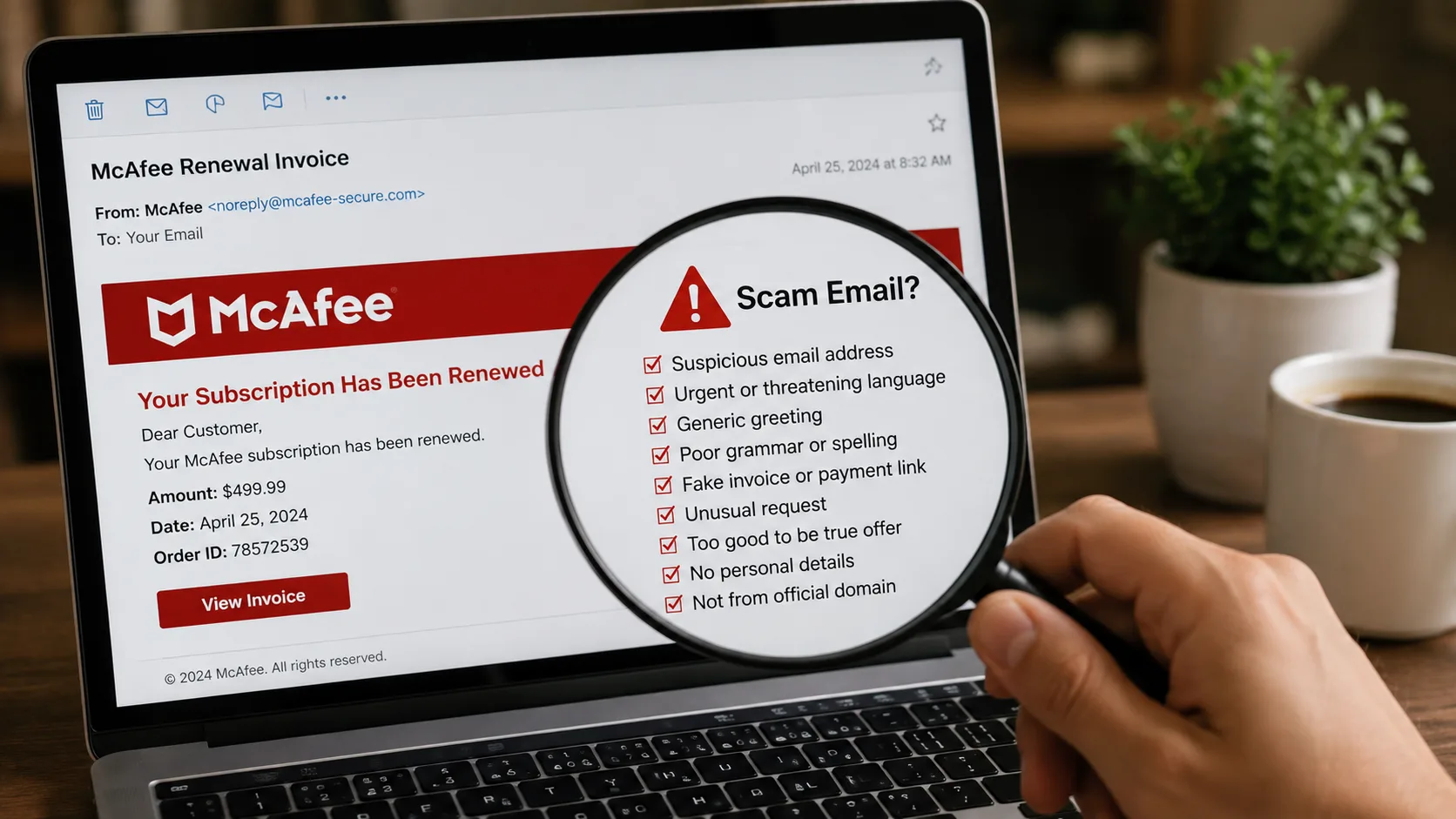
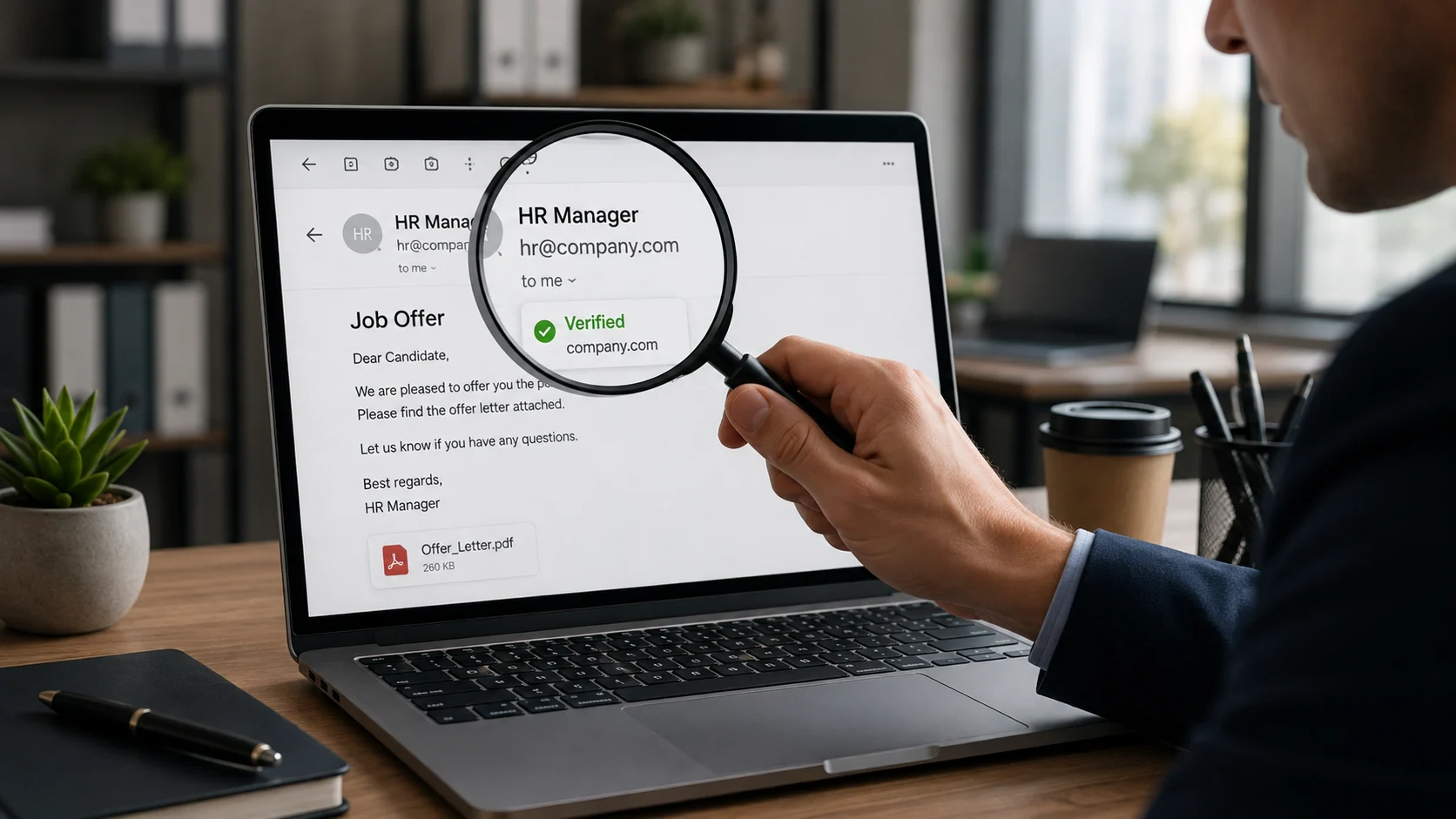
Email apps often show only a display name such as “HR Team” or “Talent Acquisition”. Tap or click the name to reveal the complete address. A display name proves nothing because the sender chooses it.
Check the characters before and after the @ symbol. Watch for added hyphens, swapped letters, extra words and unusual domain endings. An address such as careers-company-example.com is not automatically connected to companyexample.com.
2. Compare the email domain with the official company website
Find the company’s official website through a separate search or a trusted directory. Do not open the website link included in the suspicious email. Compare the company’s main domain with the domain used by the recruiter.
Large employers may legitimately use hiring partners or separate recruitment systems, so a different domain is not automatic proof of fraud. In that situation, the official employer should be able to confirm the agency or platform.
3. Check the reply-to address
The visible sender and the address that receives your reply can be different. A message may appear to come from a company domain but route replies to a free mailbox or unrelated domain. Use your mail app’s “show details” option and compare the From and Reply-To fields.
4. Review the domain behind every link
Do not judge a link by its blue text. Hover over it on desktop or press and hold on mobile to reveal the destination. If the recruiter sends an assessment, onboarding or document-upload link, run it through ScamDekho’s website scam checker before opening it.
A legitimate-looking HTTPS padlock only means the connection is encrypted. It does not prove the recruiter or website is genuine.
5. Confirm the vacancy independently
Search the employer’s official careers page for the role, location and job ID. Some real roles are filled before a listing is removed, and some companies recruit privately, so an absent listing is not conclusive. Ask the company to confirm the vacancy through its official HR or careers contact.
Do not call the phone number printed in the offer letter as your only verification. A scammer can answer that number and pretend to be the company.
6. Verify the recruiter’s professional footprint carefully
Check whether the recruiter appears on the company’s official team pages or established professional profiles. Look for a consistent employment history, genuine activity and connections with other employees. A recently created profile with a few copied posts and hundreds of random connections is weak evidence.
Even a real employee’s identity can be impersonated. Confirm the contact through the employer’s official channel instead of trusting a profile alone.
7. Examine the hiring process
Most genuine employers use a process appropriate to the role: application, screening, interviews, assessment and written terms. Warning signs include an offer after only a chat interview, immediate selection without discussing the role, or pressure to join within hours.
- Was there a credible interview with identifiable people?
- Did they discuss responsibilities, reporting structure and location?
- Can the interviewer be verified through the company?
- Does the offer refer to a real job ID or application you submitted?
8. Treat every payment demand as high risk
Be extremely cautious if a recruiter asks for money for registration, interview scheduling, background verification, training, equipment, visa processing, courier charges or a “refundable” security deposit. Scammers often keep asking for one small payment after another.
Do not scan a QR or approve a UPI request sent by a recruiter. A UPI PIN authorizes money leaving your account; it is not required to receive salary or a refund.
9. Check the offer letter for internal inconsistencies
Review the legal company name, address, role, salary breakup, joining date, work location, reporting manager and signatory. Look for different company names in the footer, inconsistent fonts, copied signatures, vague job duties and unrealistic compensation.
Formatting errors do not prove fraud, and a polished PDF does not prove authenticity. Use the offer letter verification tool to identify warning signals, then confirm directly with the employer.
10. Protect your identity documents
Do not send Aadhaar, PAN, passport, bank statements or a cancelled cheque before you understand why the document is required and who will store it. Where appropriate, use a masked or watermarked copy stating the purpose and date. Never share an OTP, banking PIN or password.
If the recruiter asks you to install remote-access software or share your screen for onboarding, stop. Genuine support should not need control of your banking or personal device.
11. Watch the language and urgency
Common pressure tactics include “limited seats”, “payment today”, “offer expires in 30 minutes” and threats that your selection will be cancelled. Legitimate hiring can have deadlines, but you should still be able to verify the employer and review the terms.
If the suspicious approach came through WhatsApp or SMS, paste the text into the WhatsApp and SMS scam message checker to review the language and risk signals.
12. Contact the employer through an independent route
This is the most important step. Use the official website’s careers page, published switchboard or verified support channel. Ask whether the recruiter, email domain, job ID and offer letter are genuine. Provide only the minimum information needed for verification.
HR email and job-offer checklist
- Reveal the complete From and Reply-To addresses.
- Compare the domain with the official company website.
- Check every assessment and onboarding link separately.
- Confirm the vacancy and job ID through the official careers page.
- Verify the recruiter through an independent company contact.
- Review the interview process and written terms.
- Refuse registration, training or security-deposit payments.
- Do not share sensitive documents before verification.
- Scan the offer letter for mismatched names and suspicious demands.
- Save all emails, chats and payment instructions.
If you already shared documents or paid
Contact your bank or payment provider immediately if money was transferred. Preserve the email headers, offer letter, job advertisement, chat history, phone numbers, URLs and payment references. Report the incident through the current official cybercrime reporting route in India. If identity documents were exposed, monitor accounts for misuse and follow the relevant issuer’s guidance.
Frequently asked questions
Is a Gmail address always a fake recruiter?
No, especially for small businesses or independent recruiters. However, a free email address claiming to represent a large company needs strong independent verification.
Can scammers use a real employee’s name?
Yes. Names, photos and job titles can be copied. Confirm the communication through the company’s official contact channel.
Does a company-domain email guarantee the offer is genuine?
No. Accounts can be compromised and lookalike domains can be difficult to notice. Verify the vacancy, recruiter and process independently.
Should I pay a refundable job registration fee?
Treat it as high risk. Do not send money until you have independently verified both the employer and the exact reason through official contact details.
Final takeaway
An offer letter is evidence to examine, not proof of employment. Verify the complete email address, domain, vacancy, recruiter and hiring process through sources the sender does not control. If there is pressure to pay or share sensitive information before verification, stop the process.