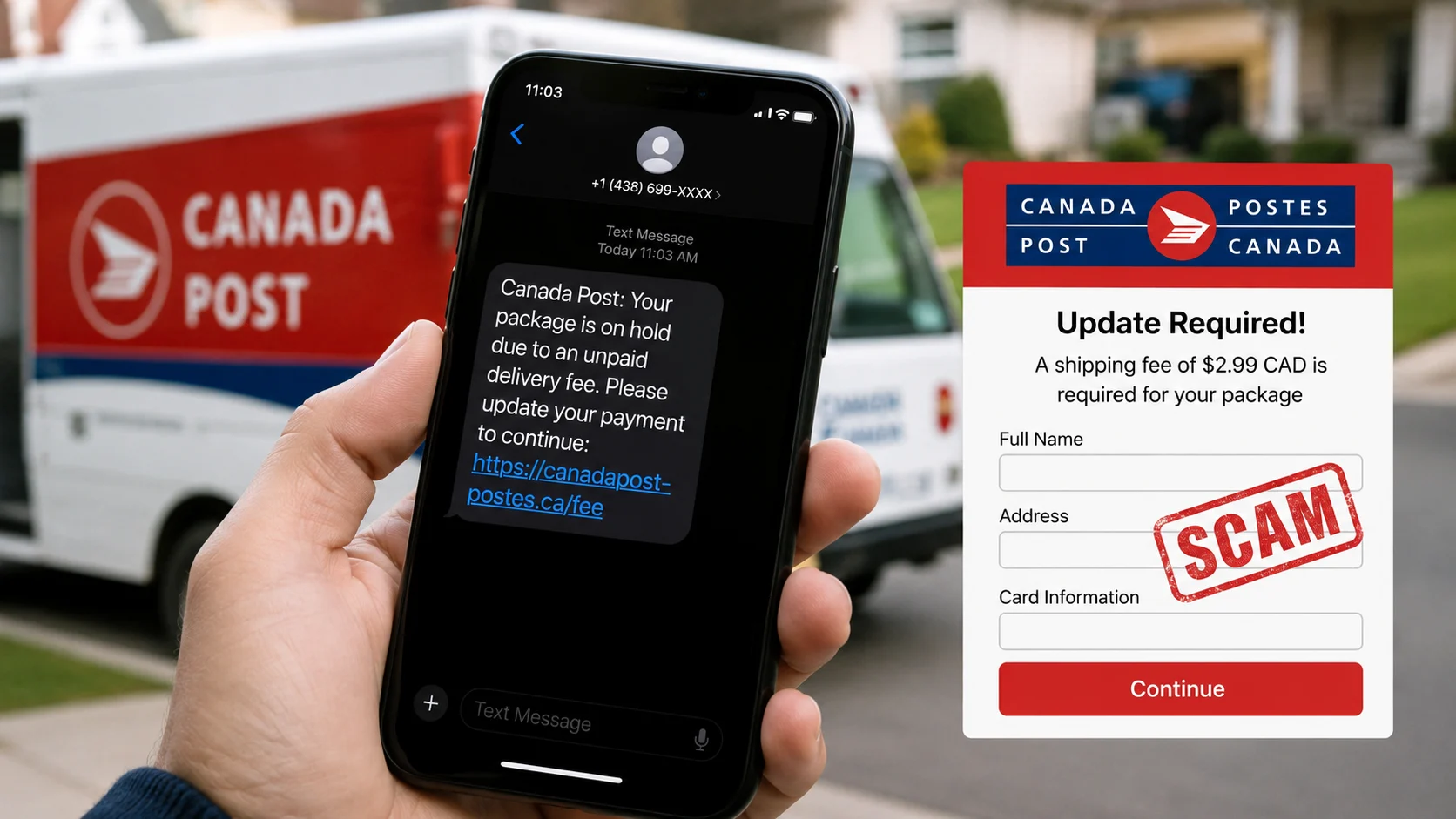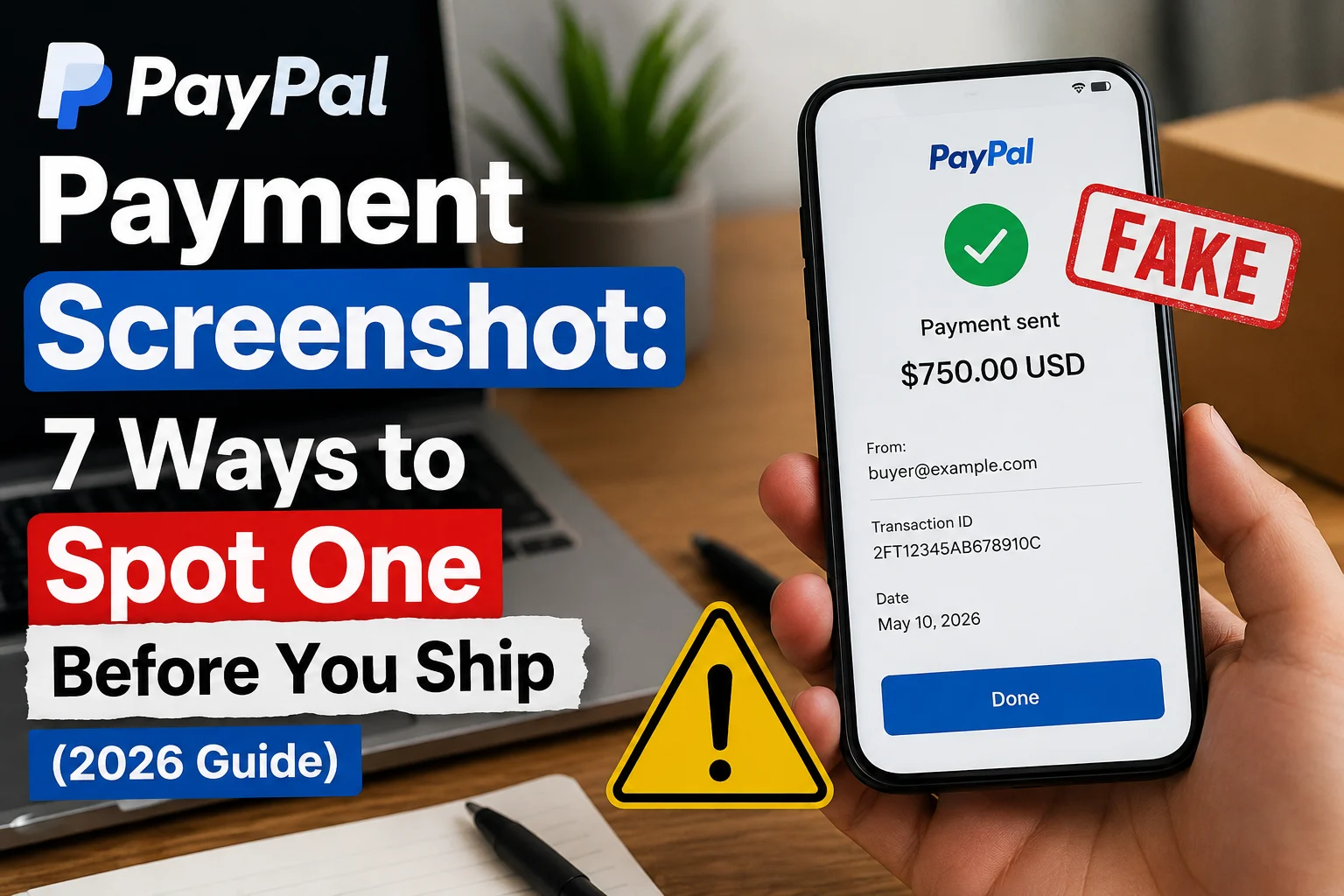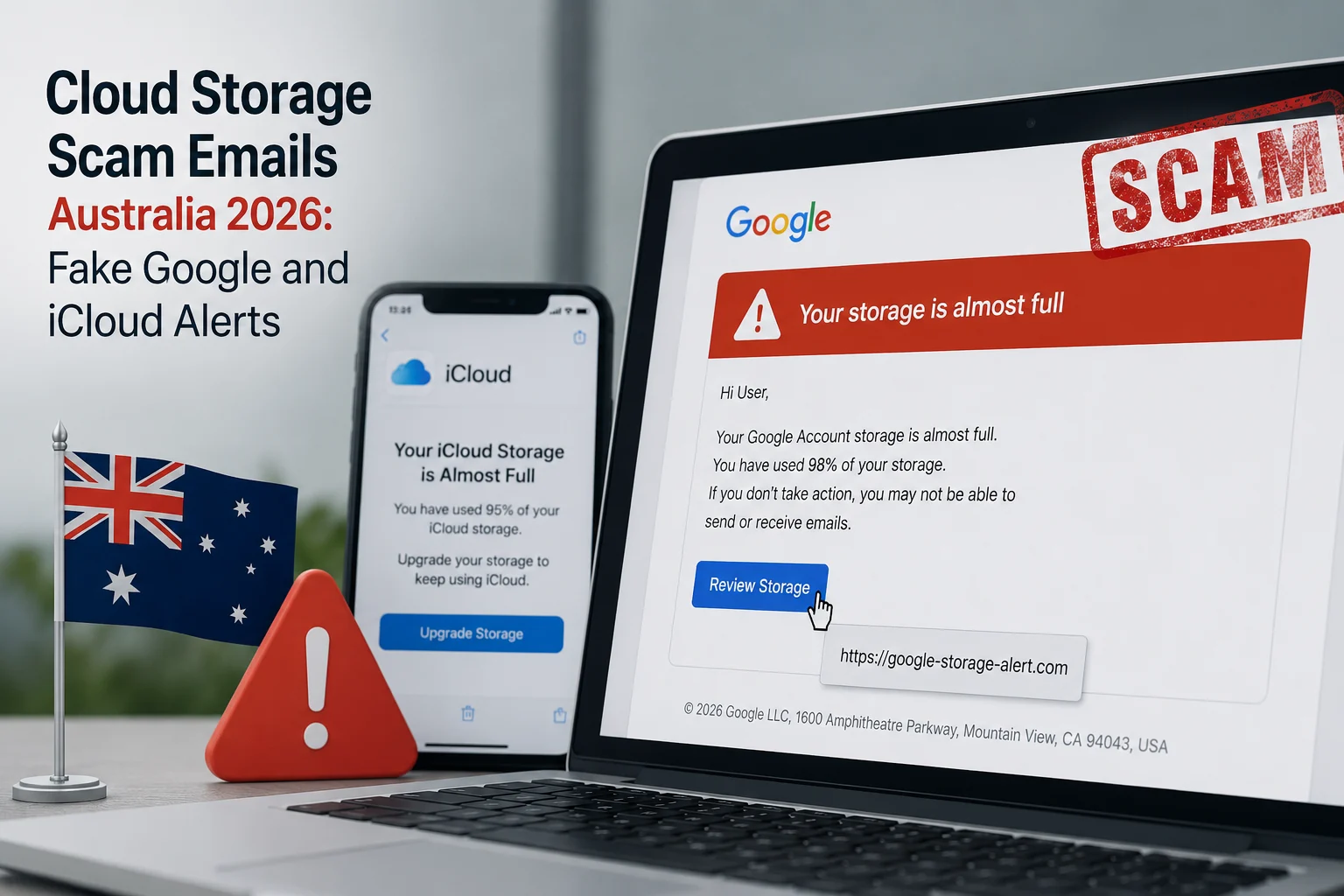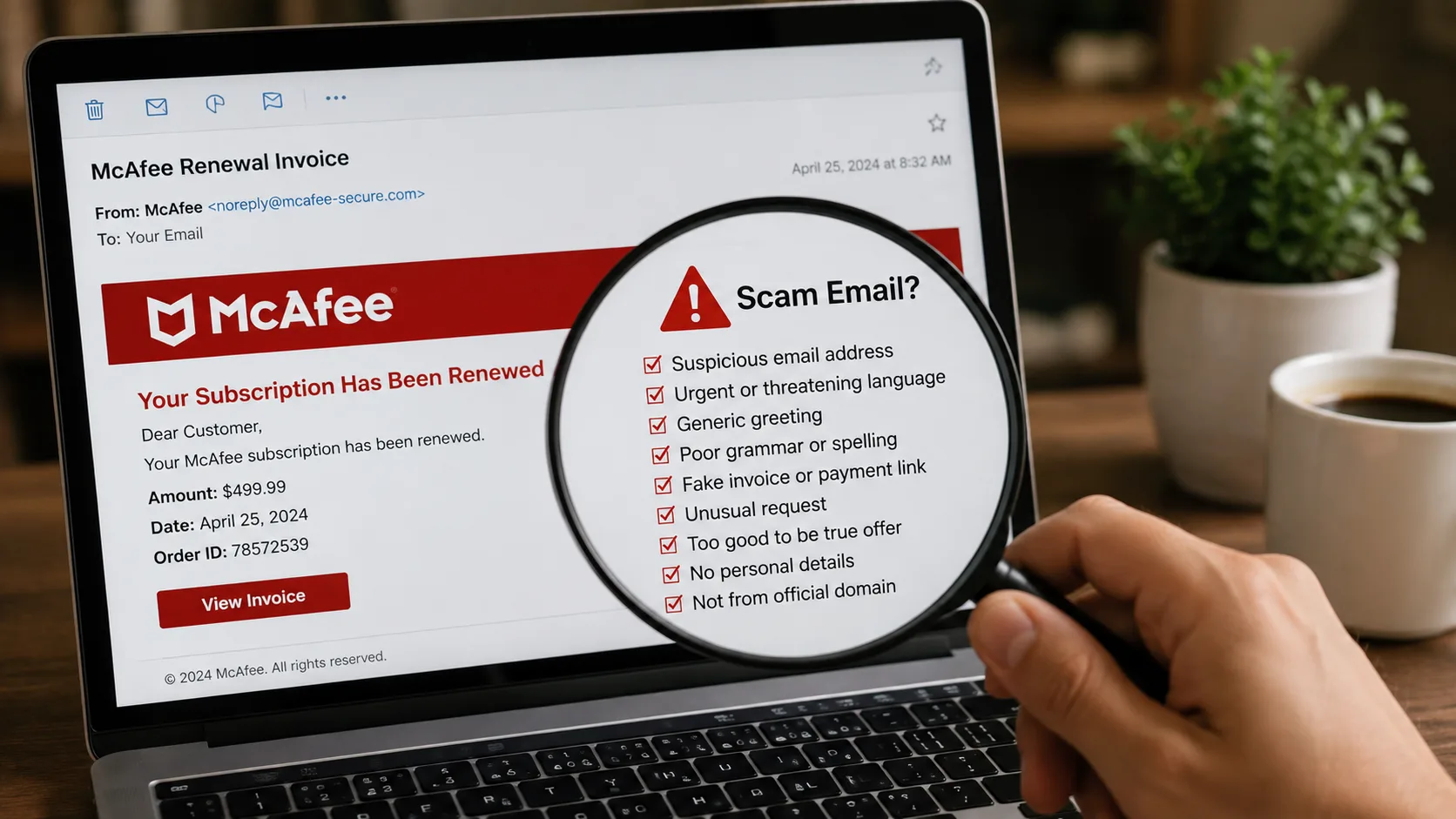
A McAfee scam email can look like a renewal receipt, antivirus warning, refund notice or invoice for a subscription you never bought. The goal is usually to make you panic, click a link, call a fake support number or share payment information. Do not use the contact details inside the message until you verify them independently.
In the United States, Semrush data shows strong search demand for this topic, but the safety process is simple: inspect the sender and links, sign in through the official website or app, and check your real account and card statement. You can also paste suspicious wording into ScamDekho’s scam message checker or inspect a link with the website safety checker.
Quick answer: is the McAfee email real or fake?
Do not decide from the logo or design. A genuine-looking message can still be fraudulent. Open McAfee’s official website by typing the address yourself, check whether the subscription exists in your account, and compare any charge with your card or bank statement. If the email demands an urgent phone call, remote access, gift cards, crypto or a payment to receive a refund, treat it as high risk.
How a McAfee scam email usually works
The message creates a problem that appears expensive or urgent. It may say that an annual subscription renewed, a device is infected, a refund is waiting or an invoice must be cancelled today. The prominent button or phone number leads to the scammer instead of legitimate support.
Once contacted, the scammer may ask you to install remote-access software, log in to online banking, enter card details or pay a “processing” fee. Some refund scams deliberately show a fake overpayment and pressure the victim to return money.
9 signs of a fake McAfee message
1. The sender domain does not match the claimed company
Open the complete From and Reply-To addresses. A display name can be copied. Watch for misspellings, extra words and unrelated domains. A free mailbox claiming to handle a large-company renewal needs independent verification.
2. The message uses fear or an immediate deadline
Warnings such as “your protection ends today”, “$499 will be charged in one hour” or “call immediately to cancel” are designed to stop careful checking. Real account issues should still be verifiable through the official account portal.
3. The invoice is for a product you do not recognize
An unfamiliar charge is a reason to review your actual card or bank activity—not a reason to call the number in the email. The invoice itself may be invented.
4. The phone number is the main call to action
Fake renewal emails often push recipients toward a call center controlled by the scammer. Find support through the official website instead. Do not let the email choose the verification channel.
5. A link leads to an unrelated or misspelled website
Hover over the button on desktop or press and hold on mobile to preview the destination. Do not open it if the domain is unfamiliar. Copy the link without visiting it and review it through the ScamDekho URL checker.
6. The attachment is unexpected
Do not open an unsolicited invoice, executable file, archive or document that asks you to enable macros. A PDF can also contain a fake support number or malicious link.
7. The sender asks for remote access
Do not install screen-sharing or remote-control software because an unsolicited email tells you to. Remote access can expose passwords, messages and financial accounts.
8. Payment is requested through an unusual method
Gift cards, cryptocurrency, wire transfers and person-to-person payments are not normal ways to cancel an antivirus subscription or receive a refund. Stop the conversation when the payment method does not fit the service.
9. The message asks for passwords, codes or full card details
Never share an OTP, password, PIN, recovery code or full payment credentials with a caller reached through a suspicious email.
How to check a McAfee scam email safely
- Do not click, call or reply from the message.
- Reveal the complete sender and Reply-To addresses.
- Inspect links without opening them.
- Type the official website address yourself.
- Check whether the claimed subscription exists in your account.
- Review your real card or bank statement for the charge.
- Run the wording through the ScamDekho message checker.
- Delete or report the email when the claim cannot be verified.
Fake renewal invoice versus a real account notice
A legitimate account notice should correspond to an account or purchase you can verify independently. A fake invoice relies on the document itself and pressures you to use its phone number. Even a correct name, address or partial account detail does not prove authenticity because personal information can come from old data breaches or public sources.
What if the email says you are owed a refund?
Do not install software or log in to banking while someone watches your screen. A real refund should follow the merchant’s official process. A scammer may claim to send too much money and demand that you return the difference; the displayed balance or transfer can be fake.
What to do if you clicked or called
End the call and disconnect remote-access software. If you entered a password, change it through the official service and review account security. If you shared payment information or sent money, contact the card issuer, bank or payment provider immediately using the number on the card or official app.
US users can review the current federal reporting process at ReportFraud.ftc.gov. Preserve the original email, sender address, links, phone number, receipts and any remote-access app name.
Frequently asked questions
Why am I receiving McAfee emails if I do not use McAfee?
Scammers send messages widely because a recognizable security brand can create urgency. An unsolicited email does not mean you have an account or active subscription.
Can a McAfee scam email contain my real name?
Yes. Correct personal details do not prove the sender is genuine. Verify the claim through your independently opened account and actual financial statement.
Is an invoice attachment proof that I was charged?
No. Only your card issuer, bank statement or verified account history can confirm a charge.
Can ScamDekho guarantee the sender is fake?
No. Automated analysis identifies risk signals. Final confirmation should come from the official company account and your financial provider.
Final takeaway
A McAfee scam email succeeds when the recipient uses the phone number, link or attachment selected by the sender. Break that chain: open the official account separately, review the real statement and refuse remote access or unusual payments. Use the McAfee scam email checklist before responding to any renewal or refund message.