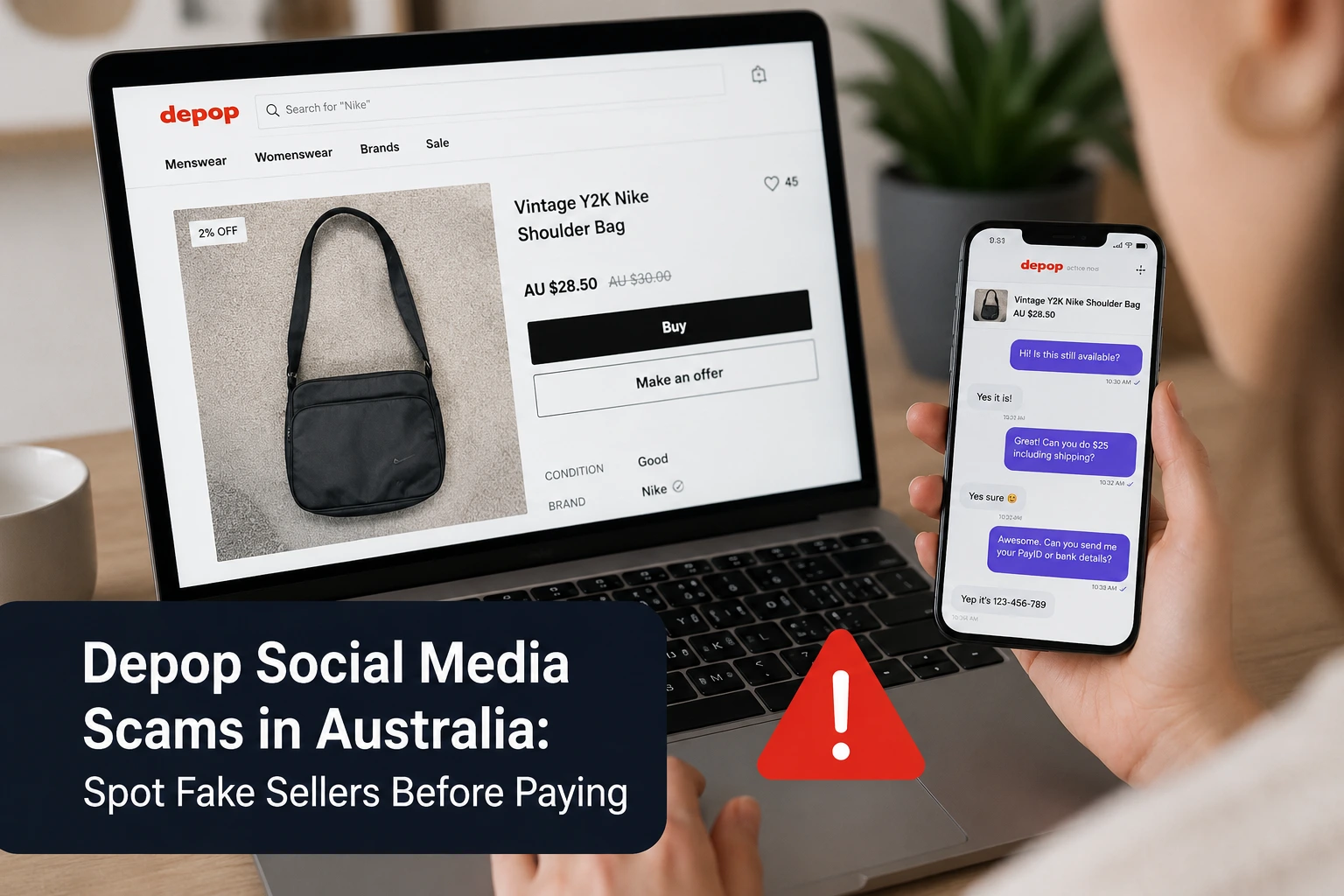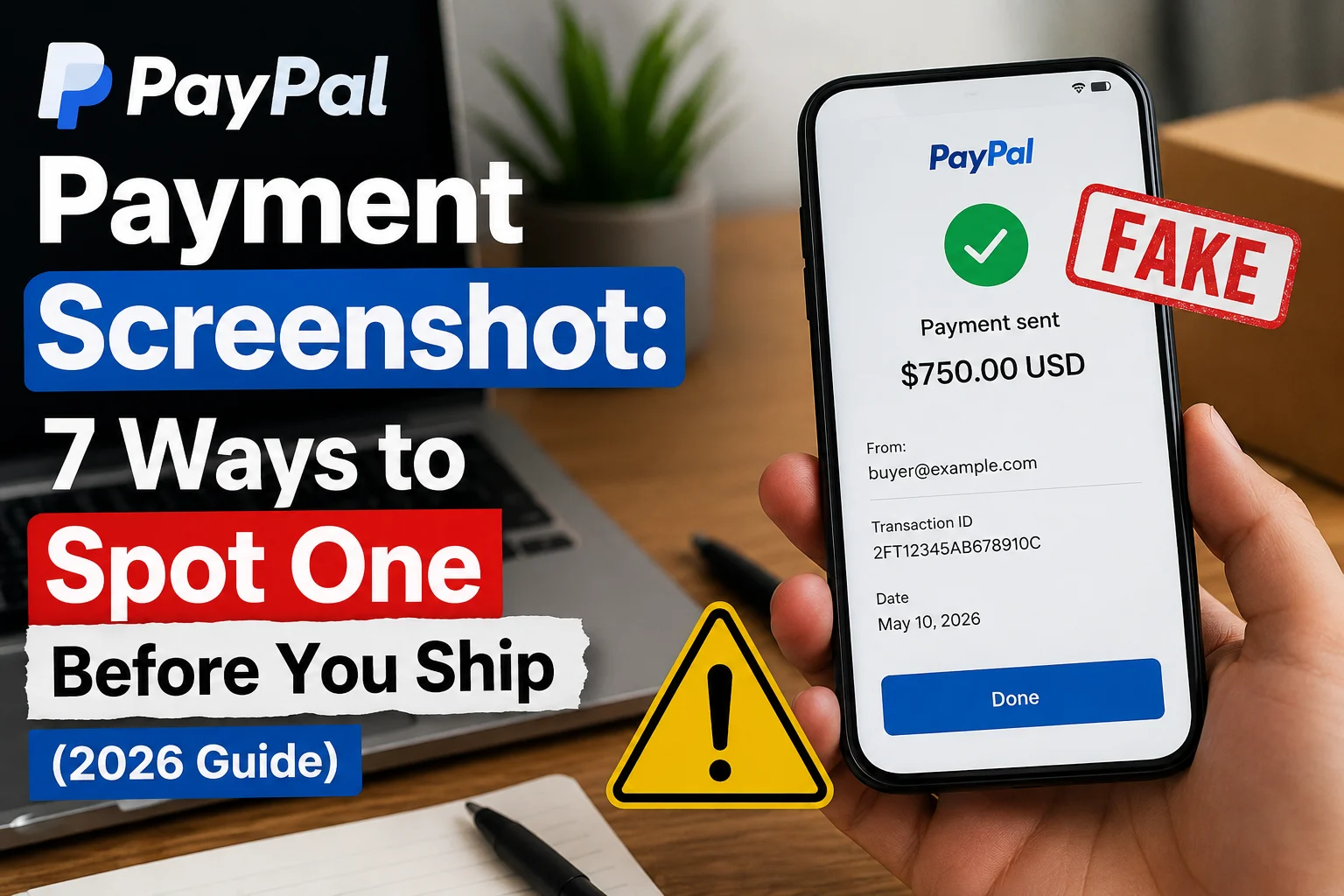
You list a PlayStation on Facebook Marketplace. Within an hour, a buyer messages you. No haggling, no questions. “Just paid, here’s the screenshot.” The image shows a PayPal payment confirmation with your email, the right amount, even a transaction ID.
There’s just one problem. The money never arrives, because the payment never happened.
A fake PayPal payment screenshot is one of the oldest tricks in online selling, and in 2026 it’s easier to pull off than ever. Free editing apps and fake receipt generators can produce a convincing “payment sent” image in under two minutes. Sellers on Facebook Marketplace, Craigslist, OfferUp, and eBay hand over electronics, sneakers, and even cars based on nothing more than a picture of a payment.
This guide shows you exactly how the scam works, the seven red flags that expose a fake PayPal screenshot almost instantly, and what to do if you’ve already been targeted.
How the Fake PayPal Screenshot Scam Works
The scam is simple, which is why it works so well.
- The “buyer” finds your listing and agrees to your price fast. Scammers don’t negotiate much. Their goal is to close before you think.
- They ask for your PayPal email so they can “send the payment.” This detail matters: with your email, the fake screenshot they build looks personalized and real.
- They send you a screenshot showing the payment as sent or completed. Sometimes it’s a doctored image of a real PayPal screen. Sometimes it’s generated by a fake payment app that exists purely to create this kind of paypal payment fake proof.
- They pressure you to ship or hand over the item. “PayPal is just slow today.” “It says completed on my end.” “I’m at your door, check later.”
- You ship. The money never lands. By the time you realize there’s no transaction in your PayPal account, the buyer’s profile is deleted and your item is gone.
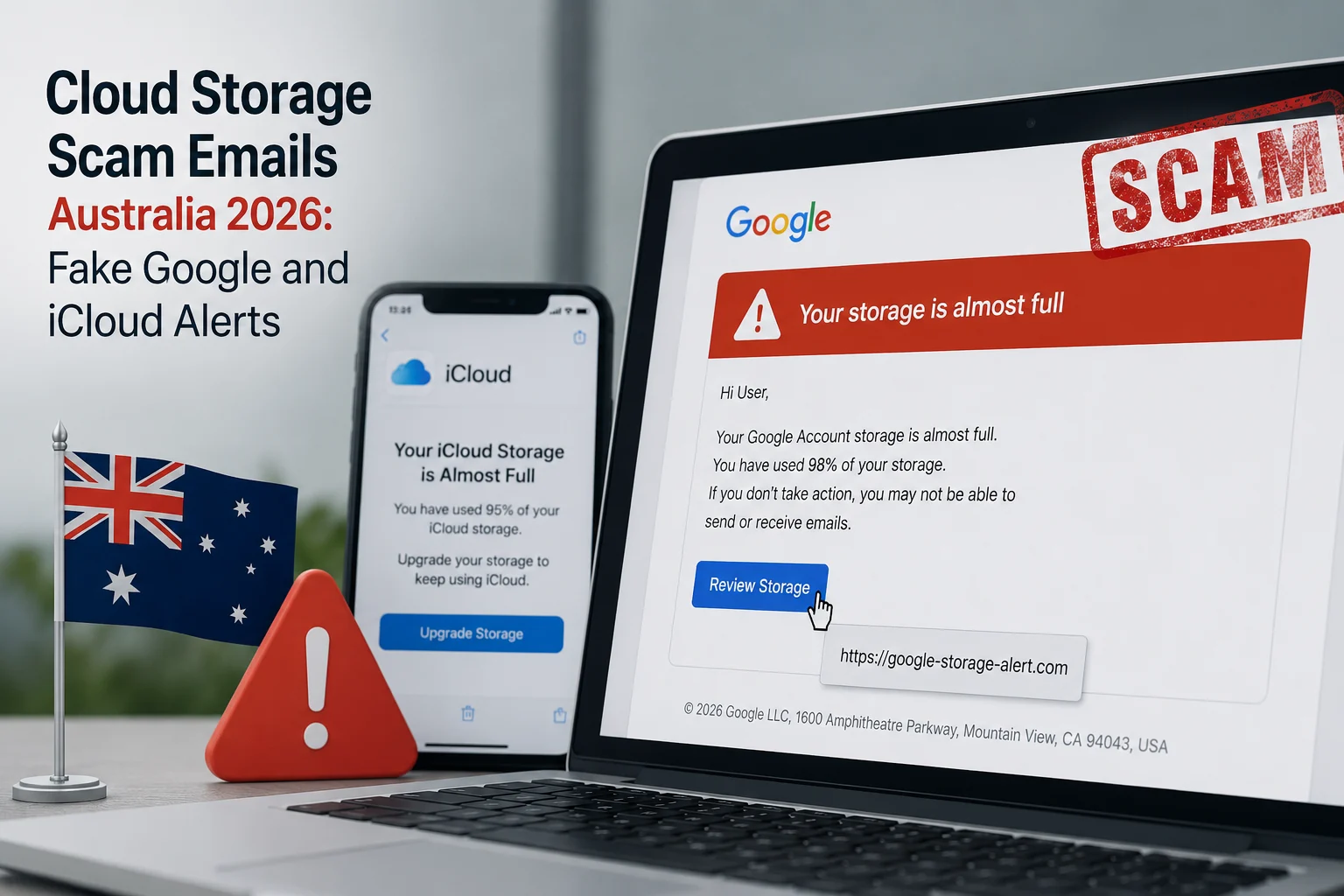
A common variation pairs the screenshot with a fake PayPal email — a message that looks like an official payment notification but came from a scammer’s inbox. If you received an email like that, run it through our PayPal Email Checker before you trust it. Real PayPal payment emails only come from @paypal.com, and even those can be spoofed.
7 Ways to Spot a Fake PayPal Payment Screenshot
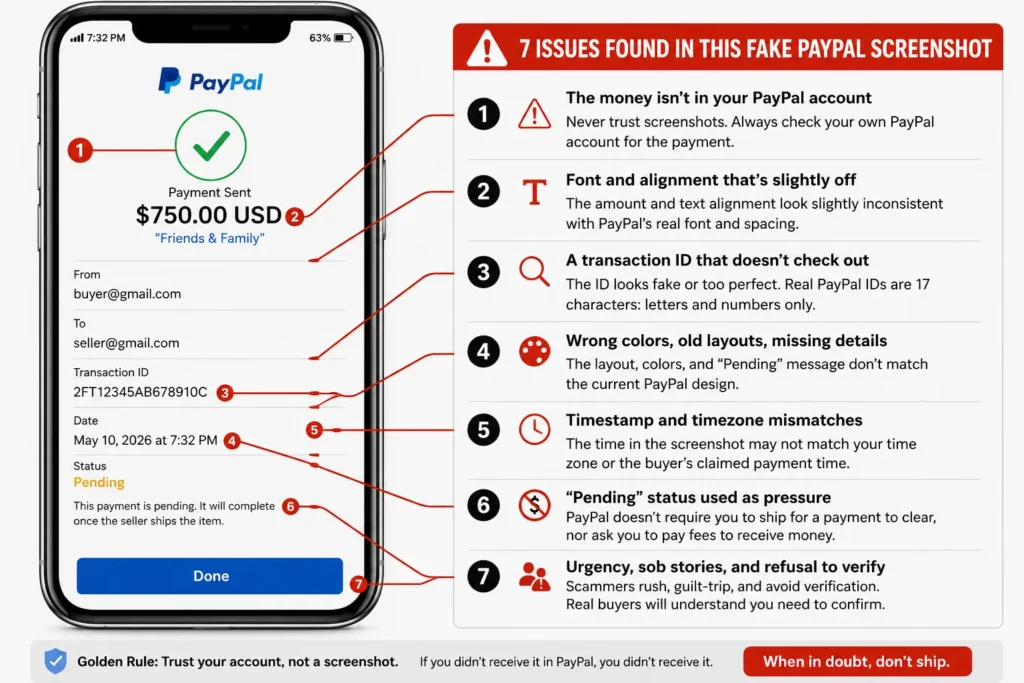
1. The money isn’t in your PayPal account
Start with the only check that actually settles it. Open the PayPal app or log in at paypal.com yourself — not through any link the buyer sends — and look at your activity. If the payment doesn’t appear there, it doesn’t exist. No screenshot overrules your own account.
PayPal transfers between accounts show up within seconds. There is no “processing delay” that makes a completed payment invisible to the recipient for hours. Anyone telling you otherwise is telling you a story.
2. Font and alignment that’s slightly off
Most fake PayPal screenshots are edited versions of real ones, and edits leave traces. Look closely at the amount and the recipient name. Edited numbers often sit a pixel too high or low, use a slightly bolder or thinner font than the surrounding text, or have different spacing. On a phone screen these flaws are easy to miss, which is exactly what the scammer is counting on.
3. A transaction ID that doesn’t check out
Real PayPal transaction IDs are 17 characters of capital letters and numbers. Fakes often show IDs that are too short, too long, lowercase, or suspiciously tidy (like “1234567890ABCDEFG”). And here’s the kicker: a real transaction ID can be looked up in your own PayPal activity. Ask the buyer for the ID, search it in your account, and watch the excuses begin.
4. Wrong colors, old layouts, missing details
PayPal updates its app design regularly. Scammers using fake screenshot generators are often working from templates that are one or two redesigns out of date. Compare the screenshot against what your own PayPal app looks like today. An outdated layout, a washed-out shade of PayPal blue, a missing fee breakdown, or a status badge that doesn’t match current PayPal wording are all signs you’re looking at a fake paypal screenshot built from a stale template.
5. Timestamp and timezone mismatches
Check the time on the screenshot against the time the buyer claims they paid. Fakes regularly show timestamps hours off, dates in the wrong format for the buyer’s country, or a phone status bar clock that contradicts the transaction time shown on screen. Small inconsistency, big tell.
6. “Pending” status used as pressure
Some scammers send a screenshot showing the payment as pending and insist it will clear once you ship — or worse, that you must pay a fee or “upgrade to a business account” to release the money. PayPal never holds personal payments hostage behind fees paid to the buyer. The moment someone asks you to send money to receive money, you’re in a scam.
7. Urgency, sob stories, and refusal to verify
The behavior around the screenshot is as revealing as the screenshot itself. Scammers rush you (“my Uber is waiting”), guilt you (“it’s a birthday gift for my son”), and get hostile when you say you’ll wait for the money to show in your account. A genuine buyer has no reason to object to a 30-second verification. A scammer has every reason.
Still Not Sure? Check the Screenshot in Seconds
Some fakes are genuinely good. Scammers now use templates that copy PayPal’s current design pixel for pixel, and a tired seller at 11pm can’t be expected to spot a one-pixel font shift.
That’s what our free Fake Payment Screenshot Checker is for. Upload the image and the AI analyzes it for signs of digital editing, mismatched fonts, altered amounts, inconsistent metadata, and known fake-template patterns — the same checks described above, done automatically. It works on PayPal, Zelle, Venmo, Cash App, and bank transfer screenshots, and it’s free with no signup.
If the buyer also sent a “PayPal” email or invoice as extra proof, verify those too:
- PayPal Email Checker — confirms whether a payment notification email is real or phishing
- PayPal Invoice Checker — checks suspicious invoices, including the fake Geek Squad and Norton renewal invoices flooding US inboxes
Real Case: The $900 MacBook That Shipped for Free
In a case reported to the FTC’s consumer alerts on marketplace fraud, a seller in Texas listed a MacBook Air for $900 on Facebook Marketplace. The buyer sent a polished PayPal screenshot showing “payment completed,” plus a follow-up email that looked like PayPal’s official notification. The seller shipped the same evening.
The email had come from a Gmail address with “PayPal” as the display name. The screenshot was a template from a fake receipt generator. The $900 never existed. This pattern — screenshot plus fake confirmation email — is now standard, which is why checking only one piece of “proof” isn’t enough.
What to Do If You Already Fell for It
Move fast. Recovery isn’t guaranteed, but speed helps.
- Stop all shipping if you still can. Contact the carrier immediately — UPS, FedEx, and USPS all offer package intercept services for a fee.
- Report the buyer on the platform (Facebook Marketplace, OfferUp, eBay) so their profile gets flagged before they hit the next seller.
- Report the scam to PayPal, even though no real transaction occurred, via their report suspicious messages page. If a fake email was involved, forward it to phishing@paypal.com.
- File a report with the FTC at reportfraud.ftc.gov, and with the FBI’s IC3 if you lost money or goods.
- Keep everything — chat logs, the screenshot, emails, the buyer’s profile link. Reports with evidence get acted on.
For a full walkthrough of reporting PayPal-related fraud, see our complete guide on how to report PayPal scam emails.
The Golden Rule for Sellers
A screenshot is a picture. Money in your account is money in your account. Never ship, hand over, or release anything until you’ve logged into PayPal yourself and seen the payment in your own activity feed — not pending, not “on its way,” but received.
Every legitimate buyer will wait the sixty seconds that takes. Anyone who won’t has just told you everything you need to know.
Frequently Asked Questions
Yes, easily. Free photo-editing tools and fake receipt generator apps can produce a convincing fake PayPal payment screenshot in minutes, complete with your email, the exact amount, and a fabricated transaction ID. This is why a screenshot should never be accepted as proof of payment.
Log into your own PayPal account and check your activity — a real payment appears there within seconds. You can also upload the image to a free fake payment screenshot checker, which scans for editing artifacts, font inconsistencies, and known fake templates automatically.
A real payment shows in your PayPal activity with a 17-character transaction ID, the sender’s verified name, the exact amount with any fees itemized, and a timestamp matching when it was sent. The matching email notification always comes from an @paypal.com address — though emails can be spoofed, so your account activity is the only proof that counts.
No. PayPal does not hold personal payments until tracking is uploaded, and it never asks sellers to pay fees to “release” money. Pending-until-you-ship claims are one of the most common fake PayPal payment scripts. Don’t ship.
Usually no, because no PayPal transaction ever took place — the “payment” existed only in an image. That’s what makes this scam so damaging, and why verifying before shipping is the only real protection. Report the incident to PayPal, the marketplace platform, and the FTC regardless.