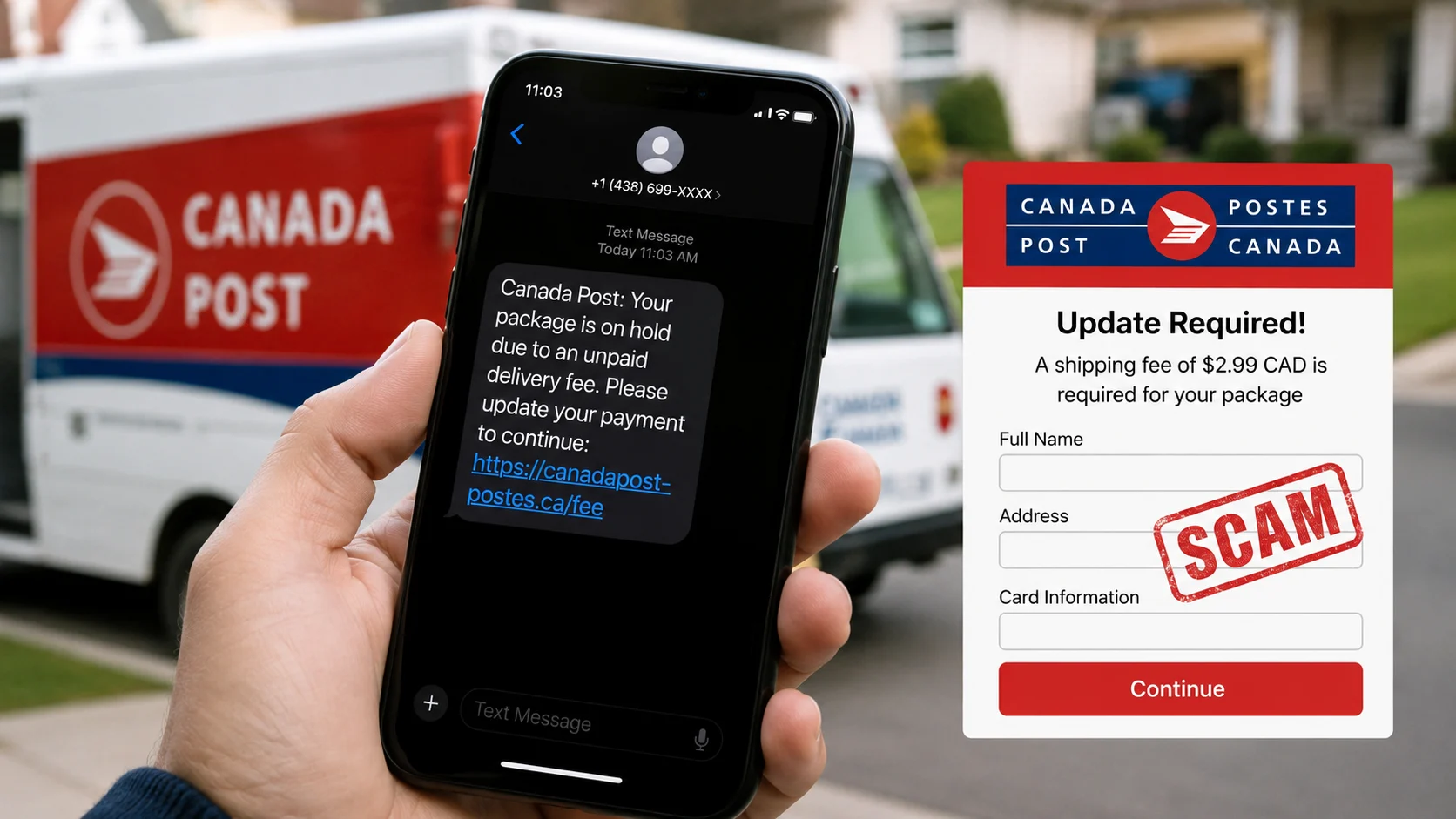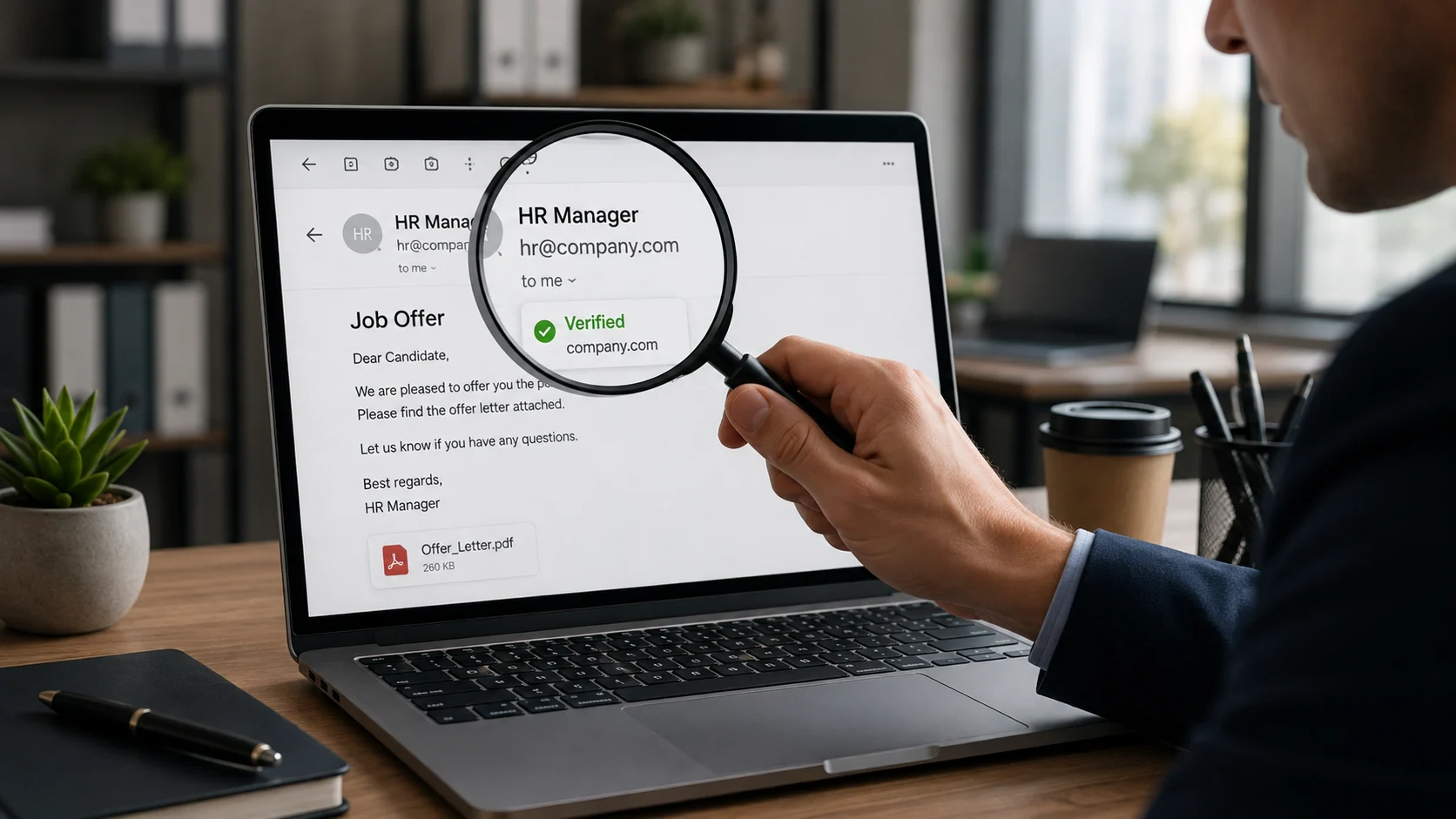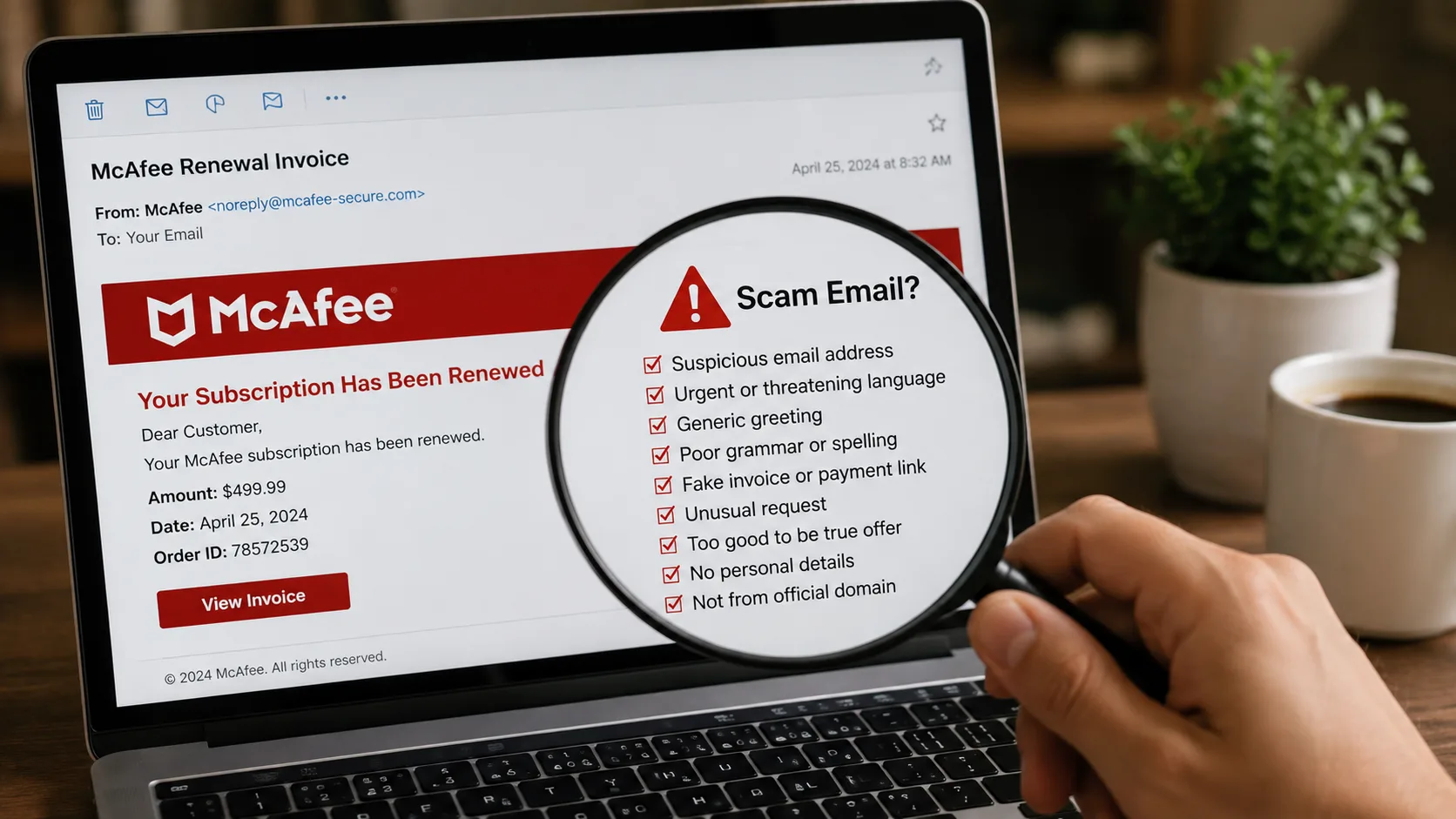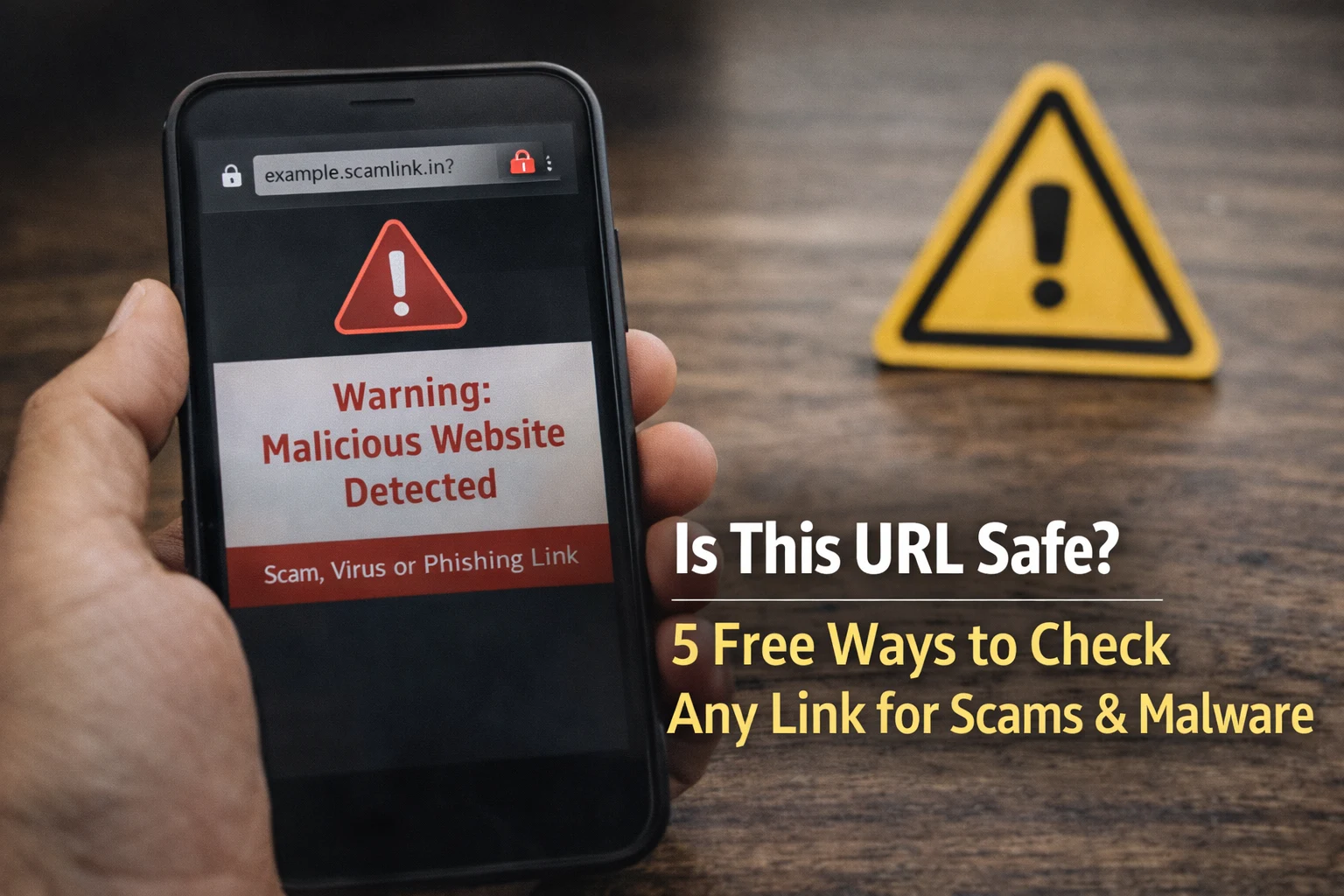
Every day, millions of Indians receive links on WhatsApp, SMS, email, and social media. Some links are genuine. But many are designed to steal your money, passwords, or personal information.
So before you click any link, you need to ask one question: is this URL safe?
In this guide, we will show you 5 simple and free ways to check if any URL is safe or dangerous — even if you are not a tech expert. All methods work on mobile and desktop, and take less than a minute.
Quick answer: Paste any suspicious link into ScamDekho’s free URL checker to get an instant safety verdict with a trust score. No login, no download — results in 10 seconds.
Why Checking URL Safety Matters More Than Ever
India reported over 12 lakh cyber fraud cases in 2025, and the number is growing every year. Most of these frauds start with a single click on a dangerous link.
Here is what can happen if you click an unsafe URL:
- Phishing: A fake website steals your bank login, UPI PIN, or credit card details
- Malware: The link downloads a virus or spyware onto your phone or laptop
- Data theft: Your personal information (Aadhaar, PAN, contacts) gets stolen
- Money loss: Scammers can drain your bank account in minutes
The scary part? Most dangerous URLs look completely normal. A link like sbi-kyc-update.net looks real, but it is a scam. That is why you need to check URL safety before clicking — every single time.
5 Free Ways to Check if a URL is Safe
Method 1: Use ScamDekho URL Safety Checker (Fastest & Easiest)
The simplest way to check any URL is to use a dedicated URL safety checker like ScamDekho.
How to use it:
- Copy the suspicious link (do NOT click it — long press and copy)
- Go to scamdekho.in
- Select Url Checker
- Paste the link and click “Check if Safe or Scam”
- Get your result in 10 seconds — SAFE, SUSPICIOUS, or SCAM
What it checks automatically:
- SSL certificate validity
- Domain registration age
- Phishing database matches
- Malware and virus signals
- Server location and IP reputation
- AI-powered content analysis
You also get a trust score out of 100 and specific reasons explaining why the link is safe or dangerous. No login needed. Completely free.
Pro tip: This is the only method that checks all 12+ signals at once. All other methods below check only 1-2 signals each.
Method 2: Check the Domain Name Carefully
Before using any tool, look at the URL itself. Scammers create domain names that look almost identical to real websites.
Examples of fake vs real domains:
| Fake Domain | Real Domain | Difference |
|---|---|---|
| sbi-kyc-update.net | onlinesbi.sbi | Completely different domain |
| amaz0n-india.com | amazon.in | Zero instead of “o” |
| flipkart-sale99.in | flipkart.com | Extra words added |
| hdfc-netbanking.org | hdfcbank.com | Wrong extension |
Red flags in domain names:
- Extra words like “login”, “secure”, “update”, “verify”
- Hyphens that the real website does not use
- Unusual extensions like .xyz, .top, .buzz, .info
- Misspelled brand names
This method helps you catch obvious fakes, but clever scammers use domains that look very convincing. That is why an automated URL checker is more reliable.
Method 3: Look for HTTPS and the Padlock Icon
Check the browser address bar before entering any personal details on a website.
- HTTPS = The connection is encrypted (data travels safely)
- HTTP (no S) = The connection is NOT encrypted (anyone can see your data)
But here is the important thing: HTTPS alone does NOT mean the website is safe. Scammers can also get SSL certificates for their fake sites. In fact, over 80% of phishing websites now use HTTPS.
So HTTPS is a basic minimum — not a guarantee of safety. You still need to check domain age, blacklist status, and content using a proper safe URL checker.
Method 4: Check the Domain Age
This is a very powerful check. If a website was registered only a few days or weeks ago and it is asking for your bank details or OTP — it is almost certainly a scam.
How to check domain age:
- Use a WHOIS lookup tool (like whois.domaintools.com)
- Or simply use ScamDekho URL checker — it checks domain age automatically
What to look for:
- Domain registered less than 6 months ago = High risk
- Domain registered 6-12 months ago = Medium risk
- Domain registered more than 1 year ago = Lower risk
Real banks like SBI, HDFC, and ICICI have domains registered for 15-20 years. A “bank website” with a 2-week-old domain is 100% fake.
Method 5: Search the Website Name + “Scam”
This is a quick manual check. Open Google and search:
"website-name.com" scam
or
"website-name.com" fake
If other people have been scammed by this website, you will often find complaints on forums, Reddit, Twitter, or consumer complaint websites.
Limitations:
- New scam websites may not have complaints yet
- This method is slow and unreliable for brand new scams
- Works best as a secondary check alongside automated tools
URL Safety Checker vs Manual Checking — What is Better?
| Feature | Manual Checking | ScamDekho URL Checker |
|---|---|---|
| Time needed | 5-10 minutes | 10 seconds |
| SSL check | Visual only | Deep analysis |
| Domain age | Need separate WHOIS | Built-in |
| Phishing database | Not possible | Auto scan |
| Malware detection | Not possible | Auto scan |
| AI content analysis | Not possible | Built-in |
| Trust score | No score | Score out of 100 |
| Works on mobile | Difficult | Easy |
| Cost | Free | Free |
Verdict: Manual checking catches obvious scams but misses sophisticated ones. A URL safety checker like ScamDekho runs 12+ checks in seconds and catches threats that human eyes cannot see.
For maximum safety, do both — glance at the domain name first, then run it through the URL checker.
Most Common Types of Dangerous URLs in India
Understanding what kinds of URLs are dangerous helps you stay alert:
1. Fake Bank KYC Links
- Example: “Your SBI account will be blocked. Update KYC now: sbi-kyc-update.net”
- Comes via SMS or WhatsApp
- Steals login credentials and OTP
- Related: KYC Scam in India — How Fraudsters Use Fake KYC Links
2. Fake Shopping Websites
- Example: “90% off on Nike shoes — limited time: nikesale-india.com”
- Takes payment but never delivers products
- Often promoted through Instagram and Facebook ads
3. Fake Government Scheme Portals
- Example: “Free gas cylinder under PM scheme — register at pmyojana-register.in”
- Collects Aadhaar, bank details, and personal information
- Shared heavily on WhatsApp groups
4. Fake E-Challan Links
- Example: “Pay your traffic challan now: echallan-payment.in”
- Redirects to a fake payment page
5. Shortened Links Hiding Scam Websites
- Example: bit.ly/xyz123 or tinyurl.com/abc456
- You cannot see the real destination
- Always check shortened links before clicking
What to Do if You Already Opened an Unsafe URL
If you already clicked a suspicious link, act fast:
Step 1: Do NOT enter any details Close the browser tab immediately. If you have not entered any information, you are likely safe.
Step 2: Clear your browser data Go to browser settings → Clear cache, cookies, and browsing history.
Step 3: If you entered bank details or OTP
- Call your bank immediately and block your account
- Change your internet banking and UPI PIN
- Most banks have a 24-hour window to reverse fraudulent transactions
Step 4: Report the scam
- Call the National Cybercrime Helpline: 1930
- File a complaint at cybercrime.gov.in
- Report the URL to ScamDekho so we can warn other users
Step 5: Check for malware If you downloaded anything from the link, run an antivirus scan on your device immediately. If you received a suspicious message along with the link, check it using our Message Scam Checker.
For a complete step-by-step recovery guide, read: How to Recover Money Lost in Online Scam in India
7 Red Flags That a URL is Not Safe
Here is a quick checklist you can use every time you receive a link:
- Domain registered less than 6 months ago — New domains asking for money = scam
- URL has misspelled brand names — amaz0n, flipkart-sale, sb1-bank
- No HTTPS or SSL warning — Never enter details on HTTP sites
- Link creates urgency — “Act NOW or your account will be blocked”
- Asks for OTP, Aadhaar, or bank details — No legitimate site asks this via links
- Sent by unknown number on WhatsApp or SMS — Do not trust, verify first
- Too-good-to-be-true offers — “Win iPhone 16 FREE” or “₹10,000 cashback”
If a link shows even 2-3 of these red flags, do not click it. Run it through a URL safety checker first.
Stay Safe Online — Check Before You Click
The internet is full of useful information, but it is also full of traps. Every month, thousands of Indians lose money because they clicked a link without checking first.
The good news is that protecting yourself is easy. It takes just 10 seconds to check if a URL is safe before clicking. Make it a habit — just like locking your door before leaving the house.
Remember these 3 rules:
- Never click links from unknown senders
- Always check URLs before entering personal details
- If it sounds too good to be true, it probably is
Stay alert. Stay safe. And when in doubt — check the URL first