The internet has made life simpler and easier in many ways, from doing our daily shopping and banking to communicating with our friends and colleagues. However, with the ease of the internet comes the possibility of being scammed by cybercriminals. One of the most common ways cybercriminals deceive people is by sending malicious or phishing links through emails, text messages, social media, and messaging apps.
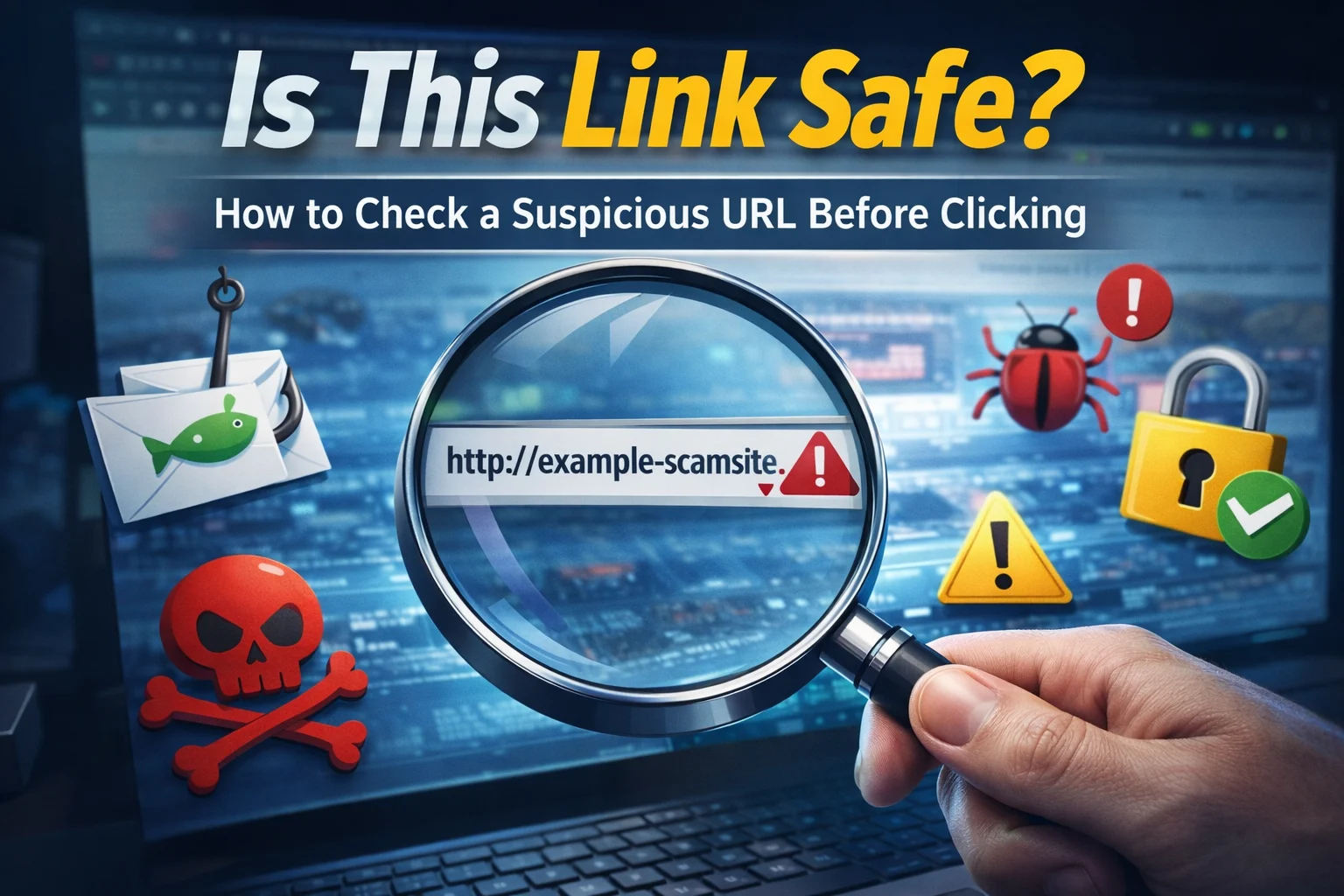
For many people, the question they often ask themselves is, “Is the link I have received safe enough for me to click on?” However, clicking on the wrong link can result in many critical problems for the victim, including the installation of viruses, stealing of passwords, financial scams, and identity thefts.
Therefore, the importance of knowing how to check the safety of the link before clicking is critical. In this guide, we will discuss how suspicious links work, the signs of suspicious links, and the safest ways of checking the safety of the link online.
Why It Is Important to Check Link Safety
Cybercriminals often use fake or manipulated links to lure unsuspecting victims into visiting dangerous sites. These sites may look legitimate and harmless but are actually designed to steal sensitive information or harm your device.
When an individual is not careful enough to verify the authenticity of the link before clicking on it, they are unknowingly putting themselves at risk of facing various cyber threats such as:
- Phishing attacks that result in stolen login credentials
- Malware downloads that result in damaged devices
- Fake payment pages that result in stolen banking information
- Identity theft due to stolen personal information
“The fastest way is to use ScamDekho’s URL Checker. Just paste the link and it will instantly tell you if the URL is malicious, phishing, or safe.”
Common Ways Scammers Send Dangerous Links
Suspicious links can appear in many places online. Understanding where they usually appear can help you stay cautious.
1. Phishing Emails
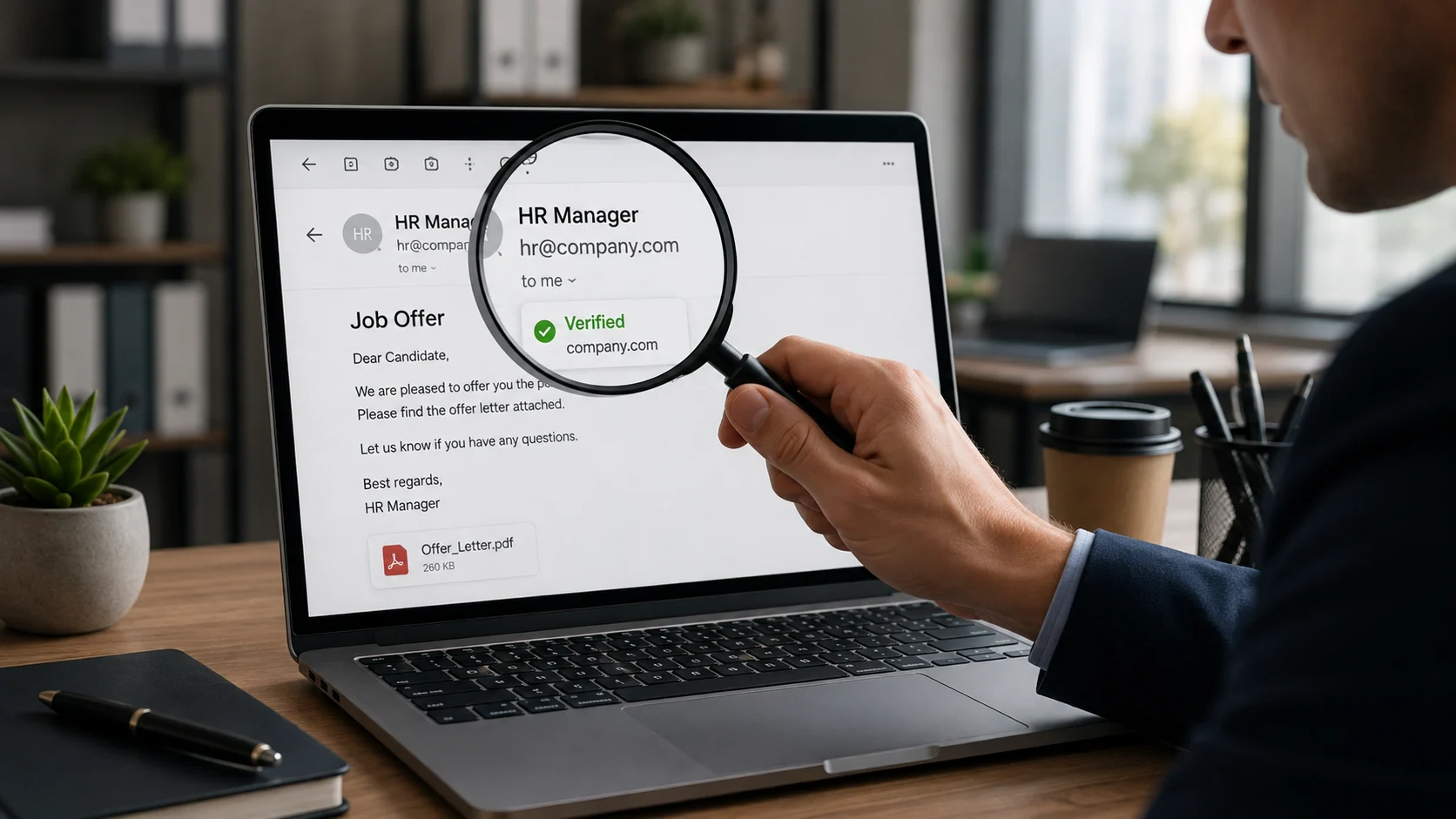
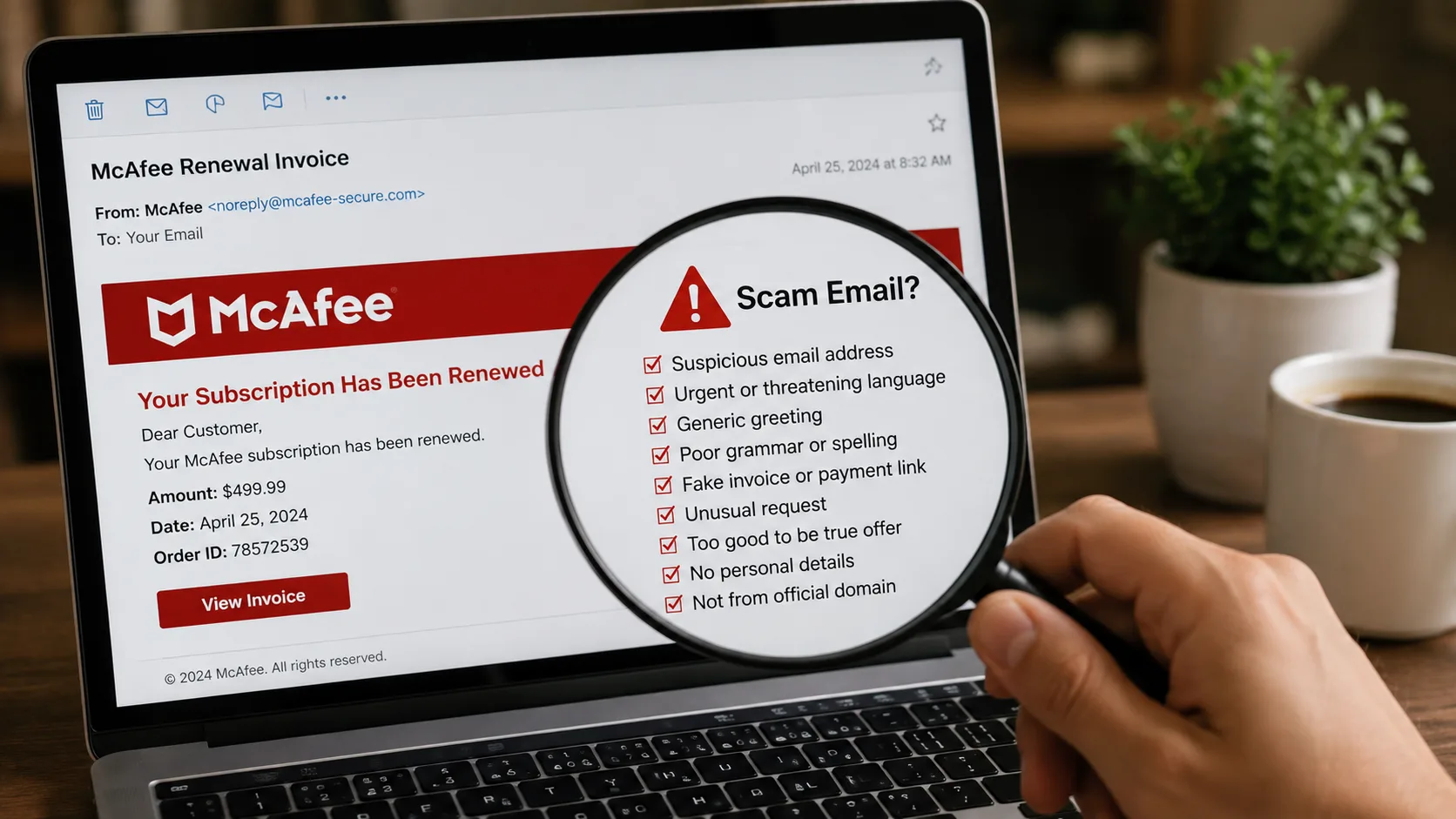
Scammers usually send emails that seem to come from banks, courier services, or popular brands. They usually contain a link asking you to verify your account or claim your reward.
If you click on the link, it will redirect you to a fake page that seems legitimate but is actually set to steal your login credentials.
2. SMS and Messaging App Links
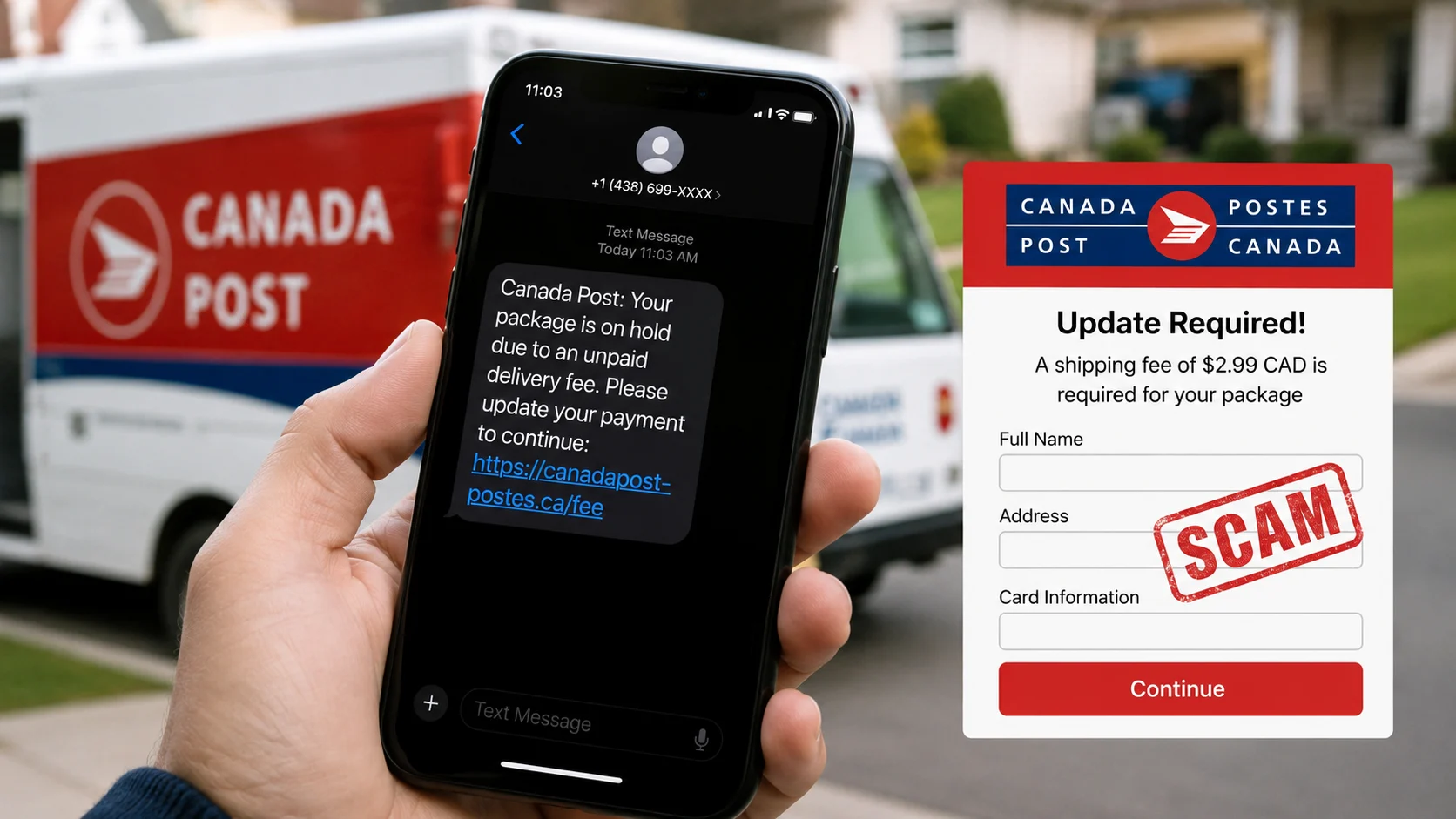
Many scams nowadays are being spread through SMS messages, WhatsApp, or Telegram. Scammers usually send messages saying that you have won a prize, your refund is ready, or that you need to update your account.
These messages usually contain suspicious links that redirect you to phishing pages.
3. Social Media Links
Scammers usually post fake offers of freebies, jobs, or investment opportunities on social media. They usually contain links that might redirect you to malicious pages.
It is always better to check the safety of the URL before clicking on it if it is shared by an unknown user on social media.
Also Read: Top 7 Phone And SMS Scams You Should Never Ignore
Warning Signs That a Link Might Be Dangerous
Not all suspicious links look obviously fake. Some scammers create links that appear very similar to legitimate websites. However, there are a few common warning signs you should look for.
1. Misspelled Domain Names
Most of these fake links usually resemble popular websites but with slight misspellings.
For example:
- paypaI.com instead of paypal.com
- amaz0n-support.com instead of amazon.com
This technique is commonly used in phishing scams.
2. Shortened URLs
Scammers usually use link shorteners like bit.ly or tinyurl to shorten their URLs. This usually conceals the true nature of the link. Even though not all shortened links are suspect, scammers usually use this trick to conceal their true intentions.
3. Urgent or Threatening Messages
Most scammers use this trick to trick unsuspecting Internet users into clicking on their links. The messages usually contain:
- “Your account will be suspended today.”
- “Verify your bank details immediately.”
- “Claim your reward before it expires.”
Such messages often contain phishing links designed to steal your information.
4. Unknown or Suspicious Domains
Most of these links usually lead to websites that you have never heard of. You should use a malicious link checker or phishing link checker to verify its authenticity.
How to Check If a Link Is Safe
If you are unsure about a link, do not click it immediately. There are several ways to check link safety online before opening it.
1. Hover Over the Link
If you are using a computer, you can hover over the link without clicking on the link. You will get the real URL of the link. If the URL is not related to the sender, you do not need to open the link.
2. Use an Online Link Scanner
A link scanner checks the URL of the link and determines whether the link is safe or not. The scanner checks the link using various antivirus programs and determines whether the link contains any viruses or not.
3. Check the Website Domain
You need to carefully look at the domain name of the link. Legitimate businesses always have their domain name the same as their company name.
If the domain name contains strange characters, extra words, or extensions, the website may not be real.
4. Use a Phishing Link Checker
A phishing link checker checks the URL of the link and determines whether the link is safe or not. If the link contains any viruses, the tool will alert you before opening the link.
This step is very important when you receive the link from an unknown person.
Best Tools to Check URL Safety
When you receive a suspicious link, using a trusted link scanner or phishing link checker can help you verify whether the URL is safe or malicious. Here are two reliable ways to check link safety online.
1. Google Safe Browsing
Google has a security tool that enables users to check the safety of a website before clicking on the link. This tool scans the website for malware, phishing, and other harmful content.
Since Google scans the internet for malware and other harmful content, it can easily identify dangerous websites.
Once the tool identifies the website in the Google threat database, it will alert users before clicking on the website.
2. ScamDekho Link Checker
Another tool that can help users check the safety of a website before clicking on it is the ScamDekho scam checker tool. This tool will help users identify whether a website is a scam site or a spam site.
This tool will scan the website and highlight the risks involved in clicking on the website. This will help users avoid the website and protect themselves from the various scams that exist on the internet.
What to Do If You Accidentally Click a Suspicious Link
Sometimes people accidentally click dangerous links before realizing the risk. If this happens, it is important to act quickly.
Here are a few steps you should take:
- Disconnect from the internet temporarily to prevent malware from communicating with external servers.
- Run a full security scan on your device using antivirus software.
- Change important passwords, especially for email, banking, or social media accounts.
- Monitor your financial accounts for any unusual transactions.
- Report the suspicious link to cybersecurity platforms or scam reporting websites.
Taking quick action can reduce the potential damage caused by malicious links.
Tips to Stay Safe From Malicious Links
Preventing link-based scams is easier when you follow some basic online safety habits.
- Always verify unknown links before clicking them.
- Avoid opening links from unknown senders.
- Use antivirus software and keep it updated.
- Enable two-factor authentication for important accounts.
- Stay informed about the latest online scams.
These simple precautions can significantly reduce the risk of falling victim to phishing attacks and online fraud.
Conclusion
Every year, the number of sophisticated online scams is on the rise, and the most frequently used tool for this purpose is malicious links. It is always a good idea to ask yourself a question before clicking on any unknown link: “Is the link I am clicking on safe?”
By learning how to check the safety of a link using a link scanner, a phishing link checker, and other such security tools, you can safeguard your personal information from falling into the wrong hands.
Being cautious about unknown links, checking for their authenticity, and making people aware of the various kinds of online scams is the most effective way to create a safe internet for all users.
FAQs
You can check link safety by using a trusted website ScamDekho. This tool analyze URLs for malware, phishing attempts, and suspicious activity before you open them.
Clicking a malicious link can lead to phishing websites, malware downloads, or stolen personal information. In some cases, attackers may gain access to your accounts or device.
Yes, some links may lead to malicious websites that attempt to install malware or trick users into downloading harmful software. Always verify suspicious links before opening them.
Phishing links often contain misspelled domains, shortened URLs, or urgent messages asking you to verify accounts or claim rewards. Always verify such links before clicking.